Advantages


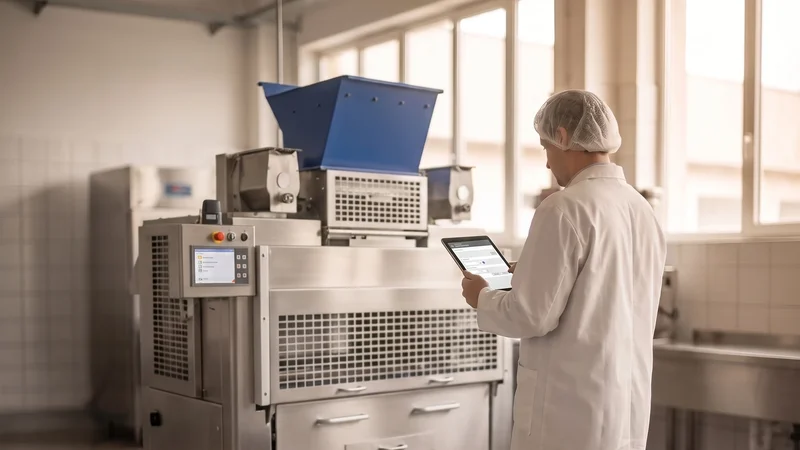
 AI-generated illustration The illustrations were created in cooperation between humans and artificial intelligence. They show a future in which technology is omnipresent, but people remain at the center.
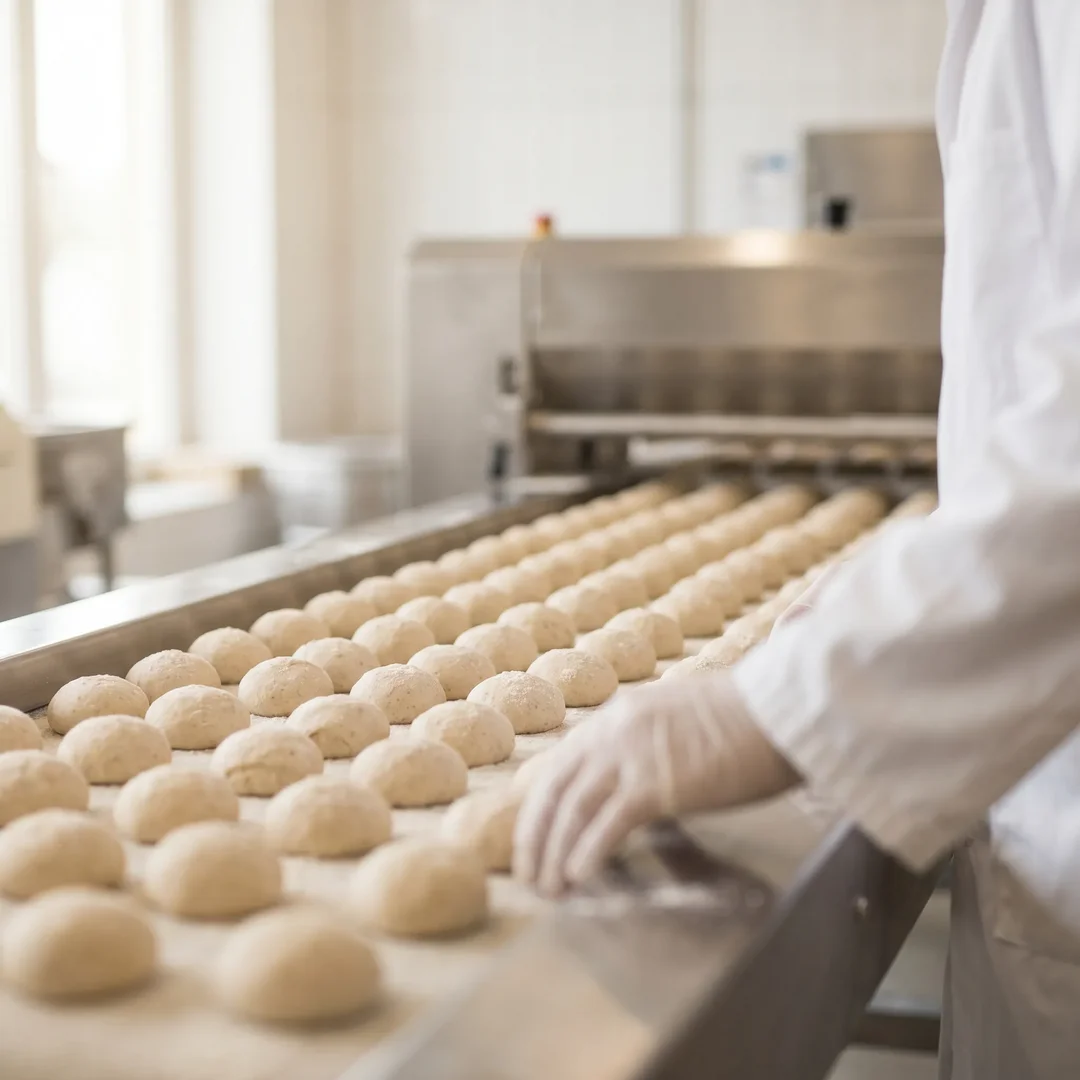
Greater Efficiency in Your Bakery
Optimized processes, smart features, and transparent metrics help you work more productively.
You’ll receive detailed status information and meaningful metrics at a glance. This allows you to identify opportunities for optimization early on and avoid unnecessary downtime. The result: higher utilization of your equipment and increased productivity during operations.
 AI-generated illustration The illustrations were created in cooperation between humans and artificial intelligence. They show a future in which technology is omnipresent, but people remain at the center.
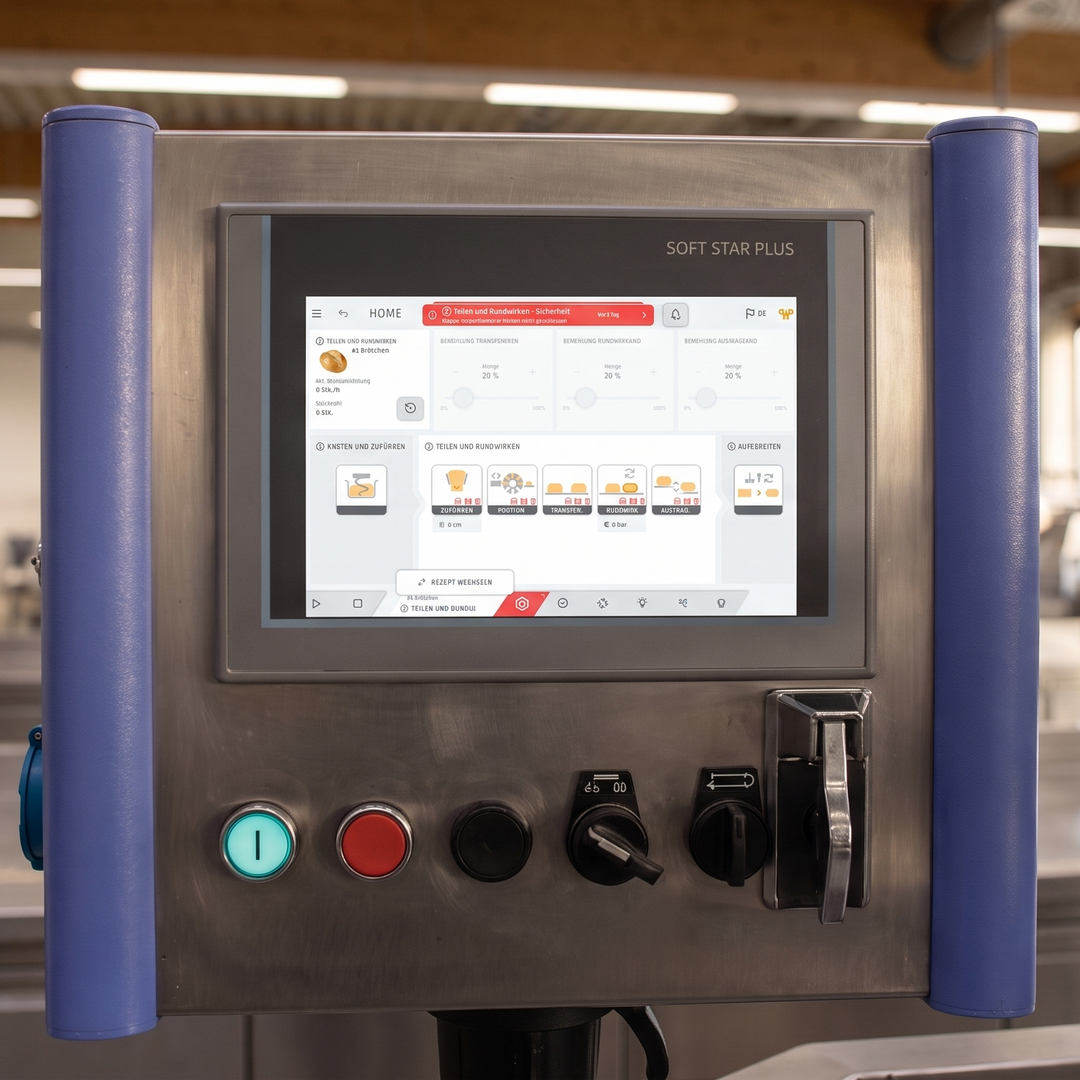
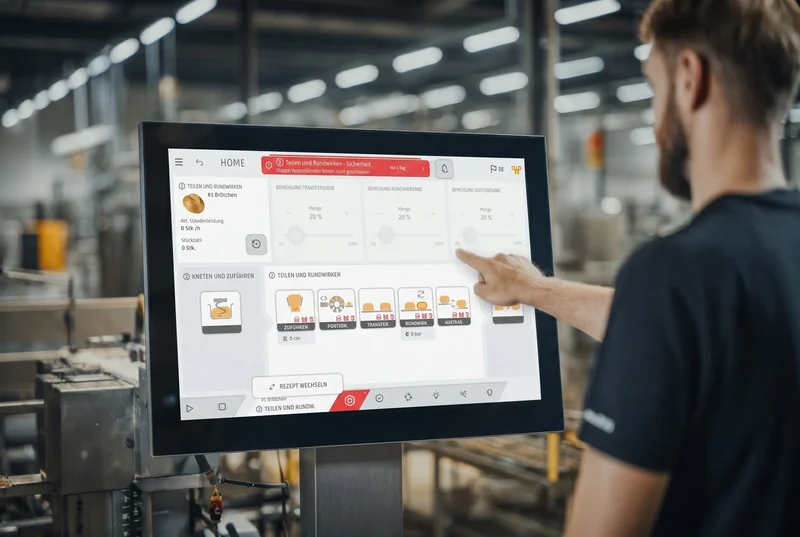
Intuitive Operation for Your Team
Clear structures and modern design make day-to-day work noticeably easier.
The modern tile layout, clear navigation, and customizable interface ensure that your employees can quickly find their way around. New employees get up to speed faster, and experienced employees work even more efficiently. This reduces errors and saves valuable time in day-to-day operations.
 AI-generated illustration The illustrations were created in cooperation between humans and artificial intelligence. They show a future in which technology is omnipresent, but people remain at the center.
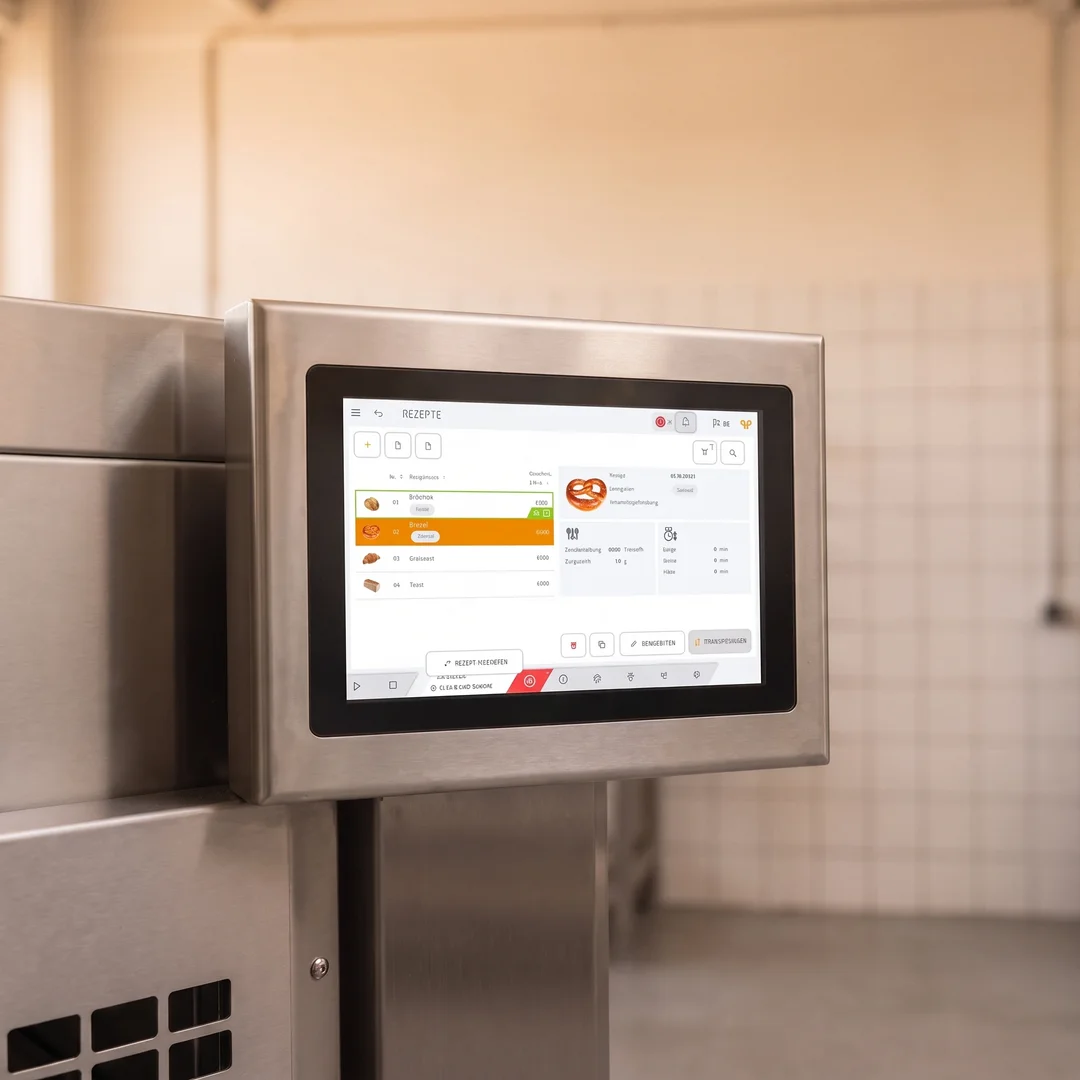
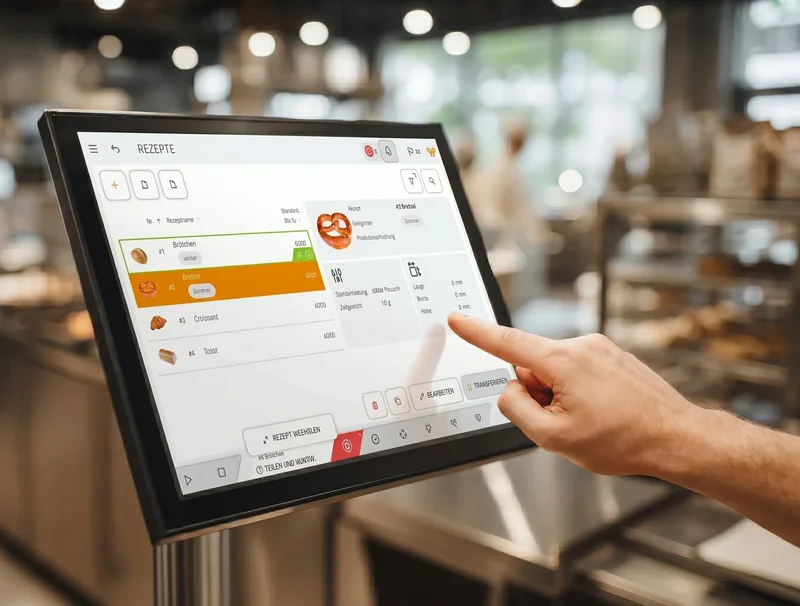
Find the Right RecipeFaster
The modern, visual recipe overview with images and categories saves time and prevents mix-ups.
Thanks to the visual recipe overview with product images, you can identify recipes instantly at a glance. Custom categories and filters help you quickly find the product you’re looking for, even in large recipe lists. This helps you avoid mix-ups and saves time when switching over or setting up your system.
 AI-generated illustration The illustrations were created in cooperation between humans and artificial intelligence. They show a future in which technology is omnipresent, but people remain at the center.
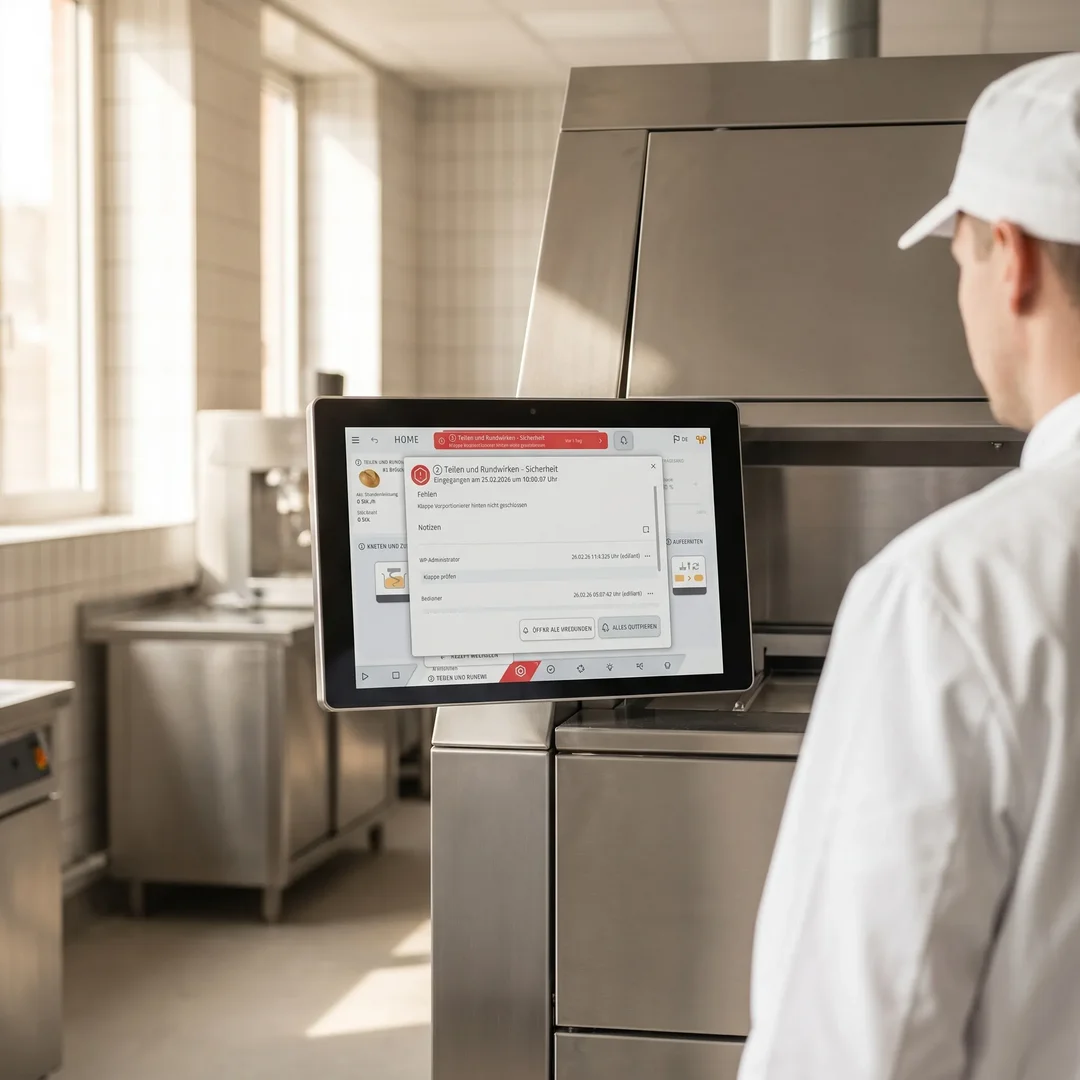
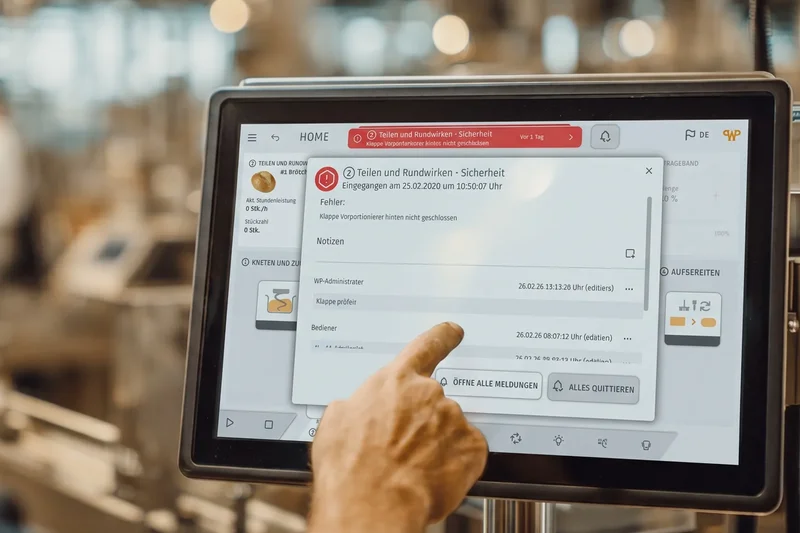
Responding Safely to Malfunctions
Clear messages that include suggested solutions will help you resolve problems more quickly.
Color-coded alerts and clear icons immediately show you where action is needed. The alert dialog provides additional information and specific solutions. The comment feature allows your team to share insights and resolve issues even faster next time.
 AI-generated illustration The illustrations were created in cooperation between humans and artificial intelligence. They show a future in which technology is omnipresent, but people remain at the center.
More Flexible Production Processes
Customized operating modes for each area reduce wait times and increase capacity utilization.
With individually controllable operating modes for each section of the plant, you can optimally tailor your production to your daily workflow. While production is still underway in one section, another can already be cleaned or retooled. This reduces downtime and increases your plant’s overall productivity.
Consistent WP Design
With the new WP BAKERY HMI, all WP machines feature a consistent, modern look. For you, this means: the same navigation, the same color codes, and the same structure—no matter which machine you’re working on.
Your employees won’t have to reorient themselves every time; instead, they’ll be able to work confidently and efficiently right away. This reduces training costs, increases acceptance among your team, and creates a professional, harmonious overall look in your bakery. That’s how ease of use becomes a competitive advantage.

Features of WP BAKERY HMI – Designed for Your Everyday Baking Routine
- Tile-based interface for quick navigation
- Simple, clear navigation without unnecessary complexity
- Multitouch operation for intuitive control
- Consistent look and feel across all WP machines
- Modern, visual recipe overview with preview image
- All important information (No., Name, Parameters, Category) is immediately visible
- Customizable original images of your products
- Freely definable categories with a quick filter function
- Recipe preview: all details with a single click—no need to constantly open and close windows
- Color-coded messages for immediate assessment of urgency
- Clear icons for quick orientation
- The most recent message is always visible in the header
- Suggested solutions directly in the notification dialog
- Comment feature for knowledge sharing within the team
- History with search and filter functions for complete traceability
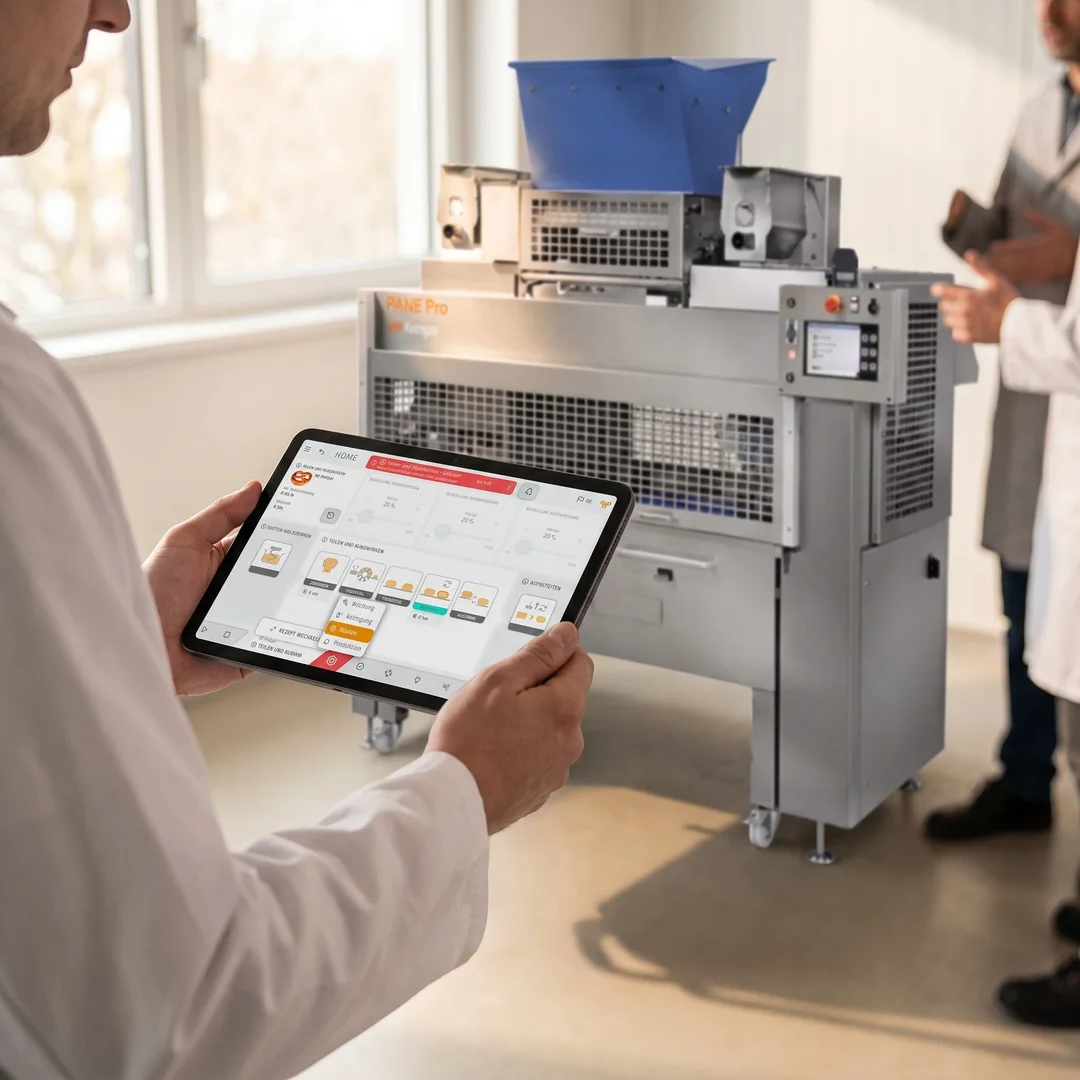
- Custom modes for production, setup, cleaning, and maintenance
- Parallel operation in different areas of the plant
- Fewer wait times and higher overall plant efficiency

Bitte einen Punkt auswählen
UseCases – How to Use WP MixControl
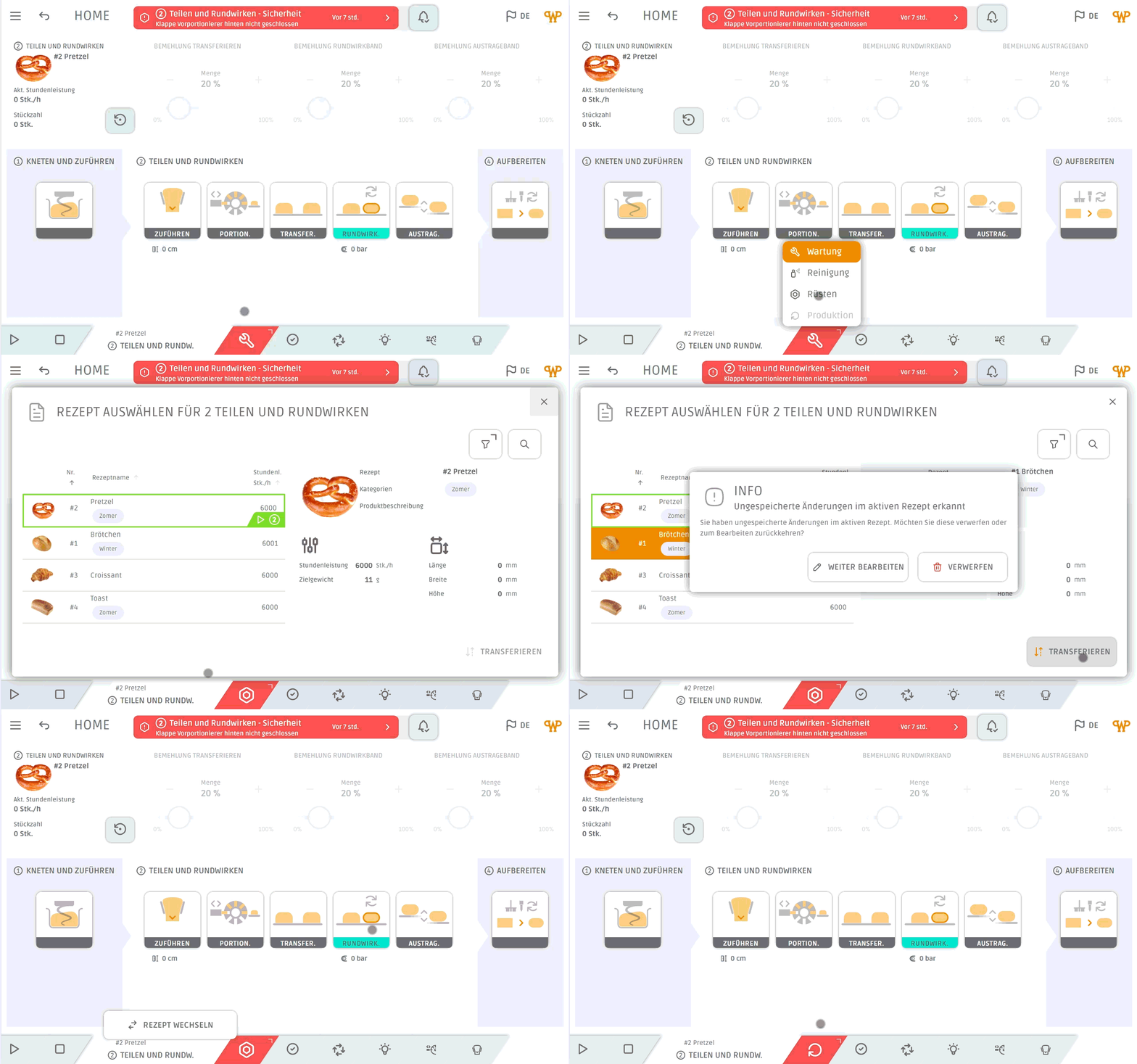
Would you like to set up the first section while production is still underway in the rear section? With individually controllable operating modes, that’s exactly what you can do. Each section of your system can switch separately between production, setup, cleaning, or maintenance—for maximum efficiency and minimal downtime.
Clear colors and unambiguous icons make every notification immediately understandable—from the footer to the tiles to the header. The built-in notification dialog provides additional information and specific solutions. Your employees can leave comments and share their experiences—so your entire team can benefit from each other in the long run.

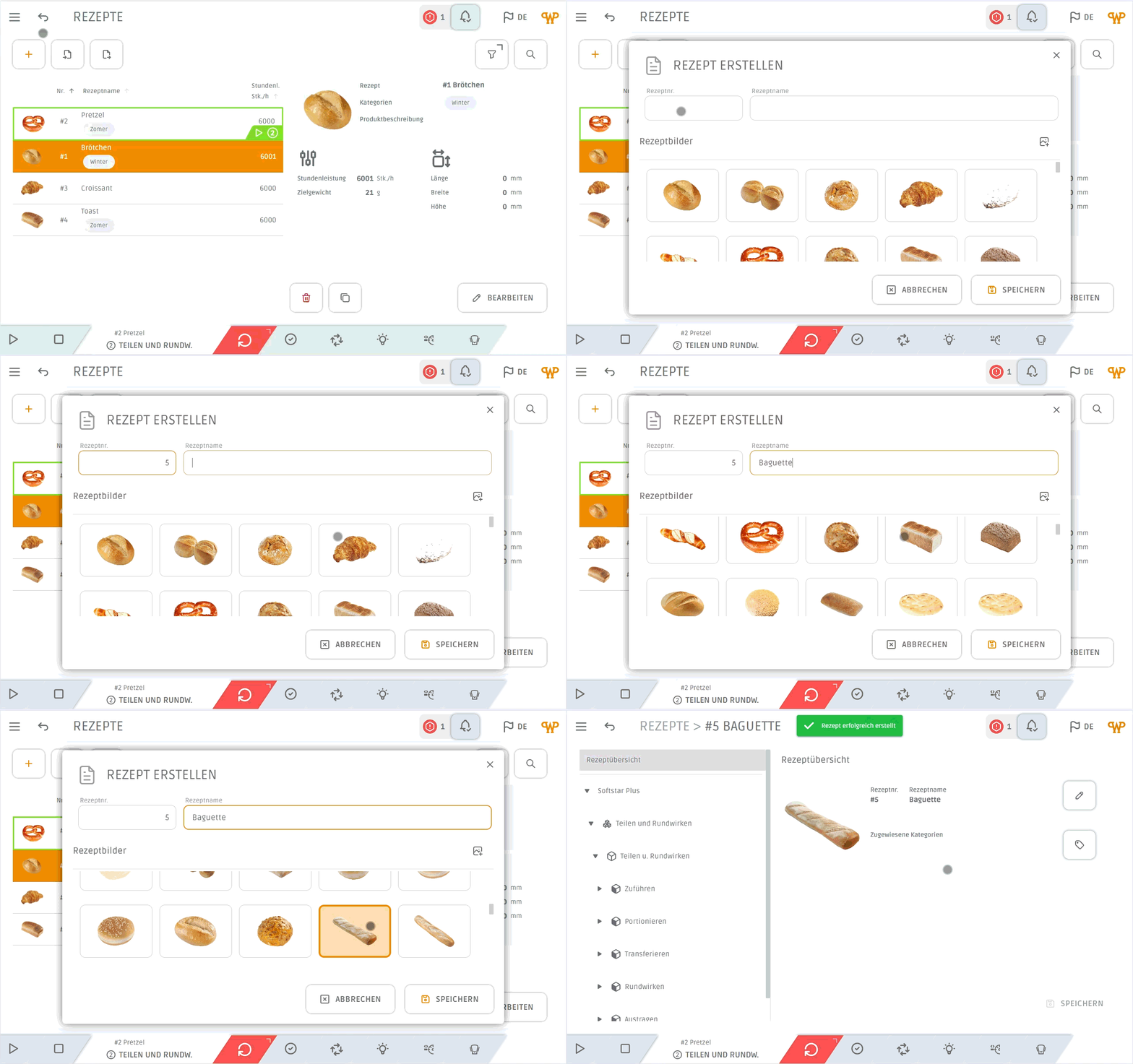
The completely redesigned recipe overview provides you with maximum clarity. Upload custom product images and create your own categories to organize your recipes in the best possible way. With the handy recipe preview, you can see all the important information right next to the table—without having to tediously open and close individual records.
Bitte einen Punkt auswählen