Advantages


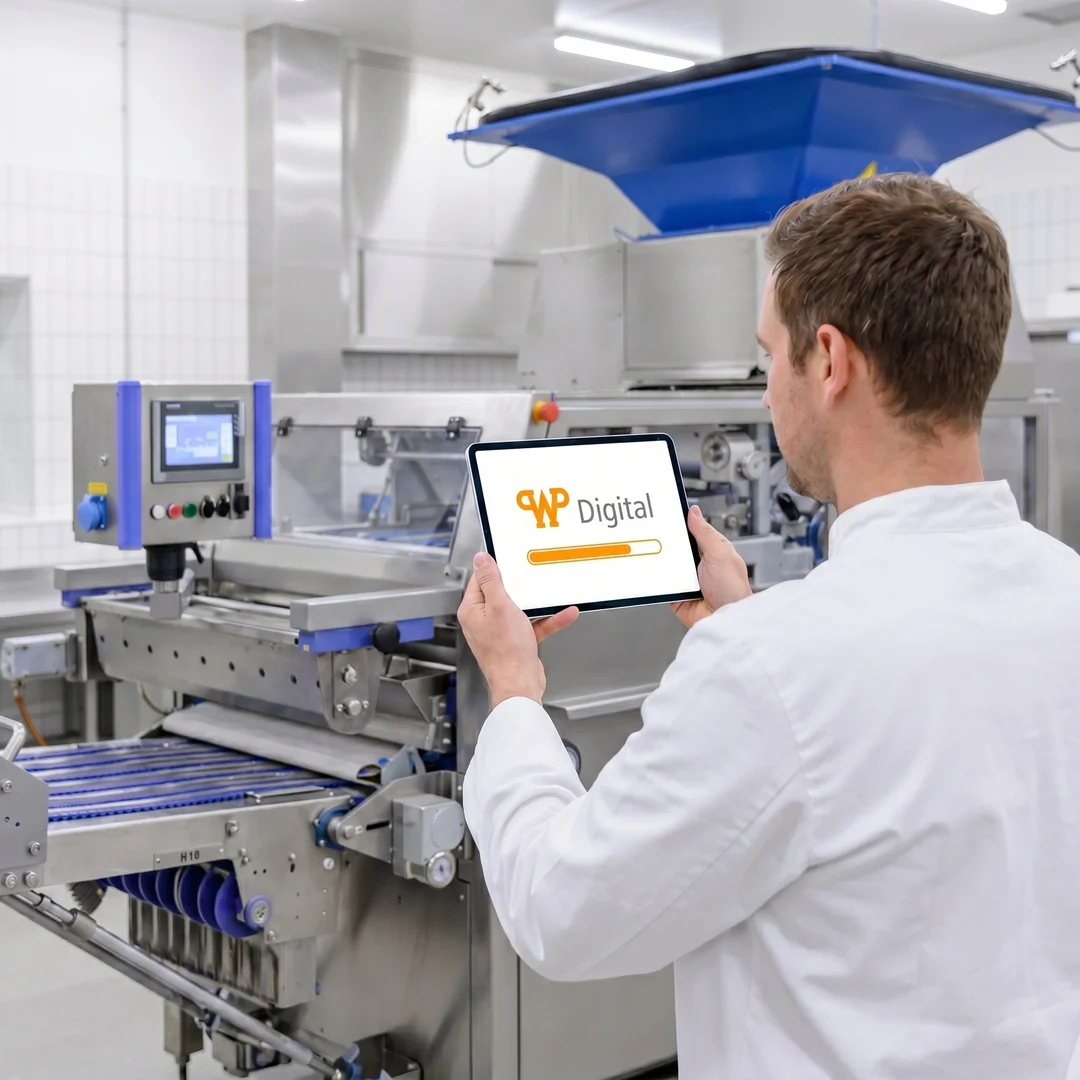 AI-generated illustration The illustrations were created in cooperation between humans and artificial intelligence. They show a future in which technology is omnipresent, but people remain at the center.
Central Access to WP
All WP products and services from a single source—for maximum efficiency.
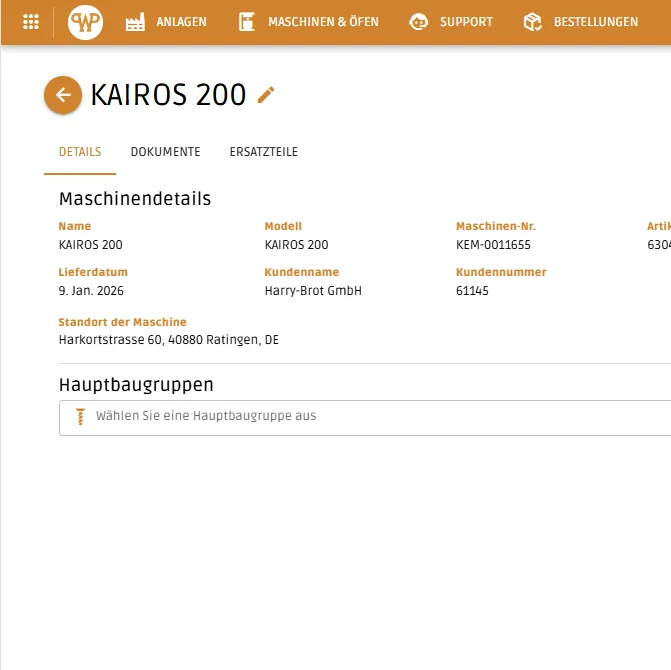
The WP DIGITAL PORTAL provides you with centralized access to all machines in the WP BAKERY GROUP. For each machine, you have clear access to master data such as the serial number, installation location, and commissioning date. Data is updated automatically through the integration with our ERP systems—ensuring it is always current and reliable.
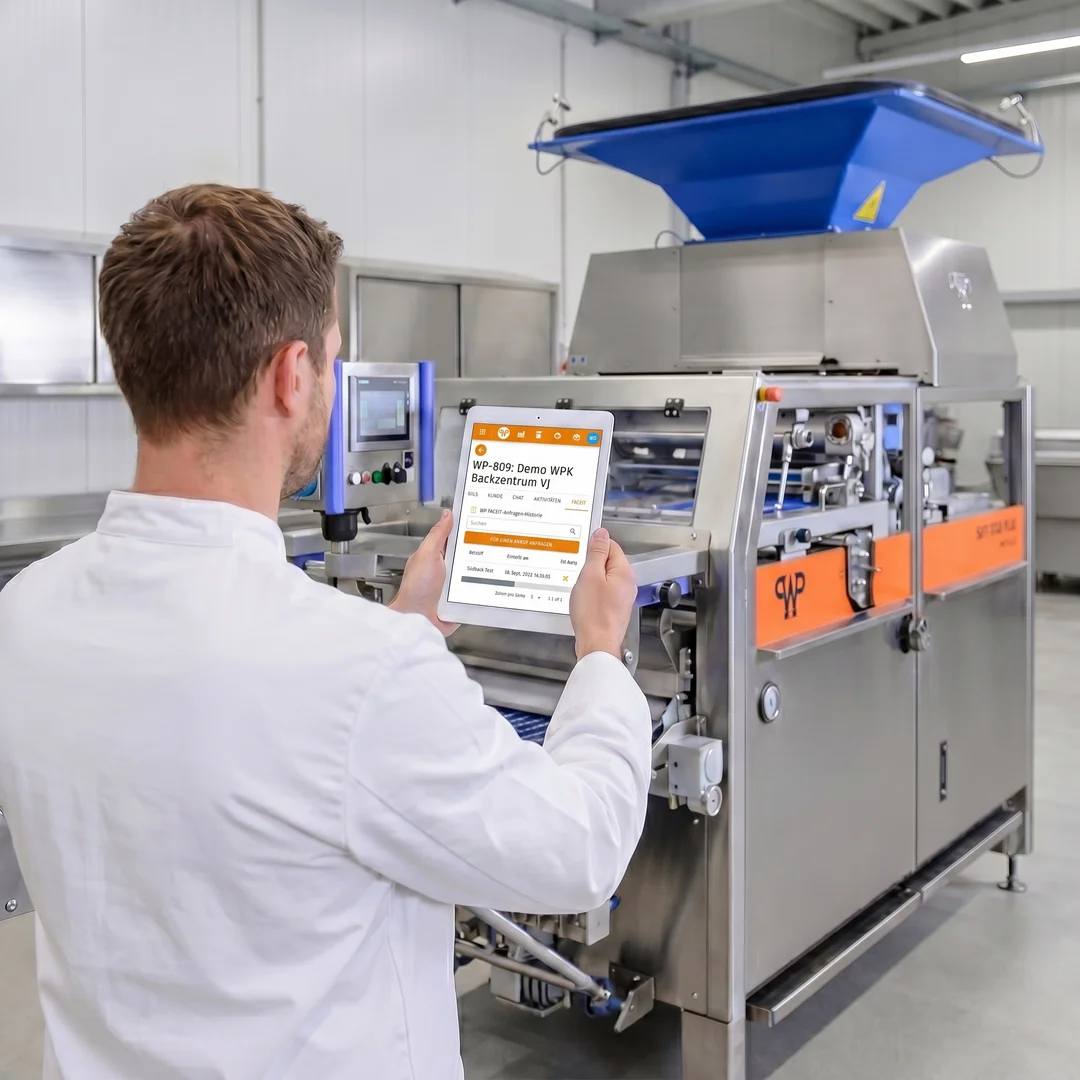 AI-generated illustration The illustrations were created in cooperation between humans and artificial intelligence. They show a future in which technology is omnipresent, but people remain at the center.
Standardized Processes
Work seamlessly and consistently within the WP ecosystem.
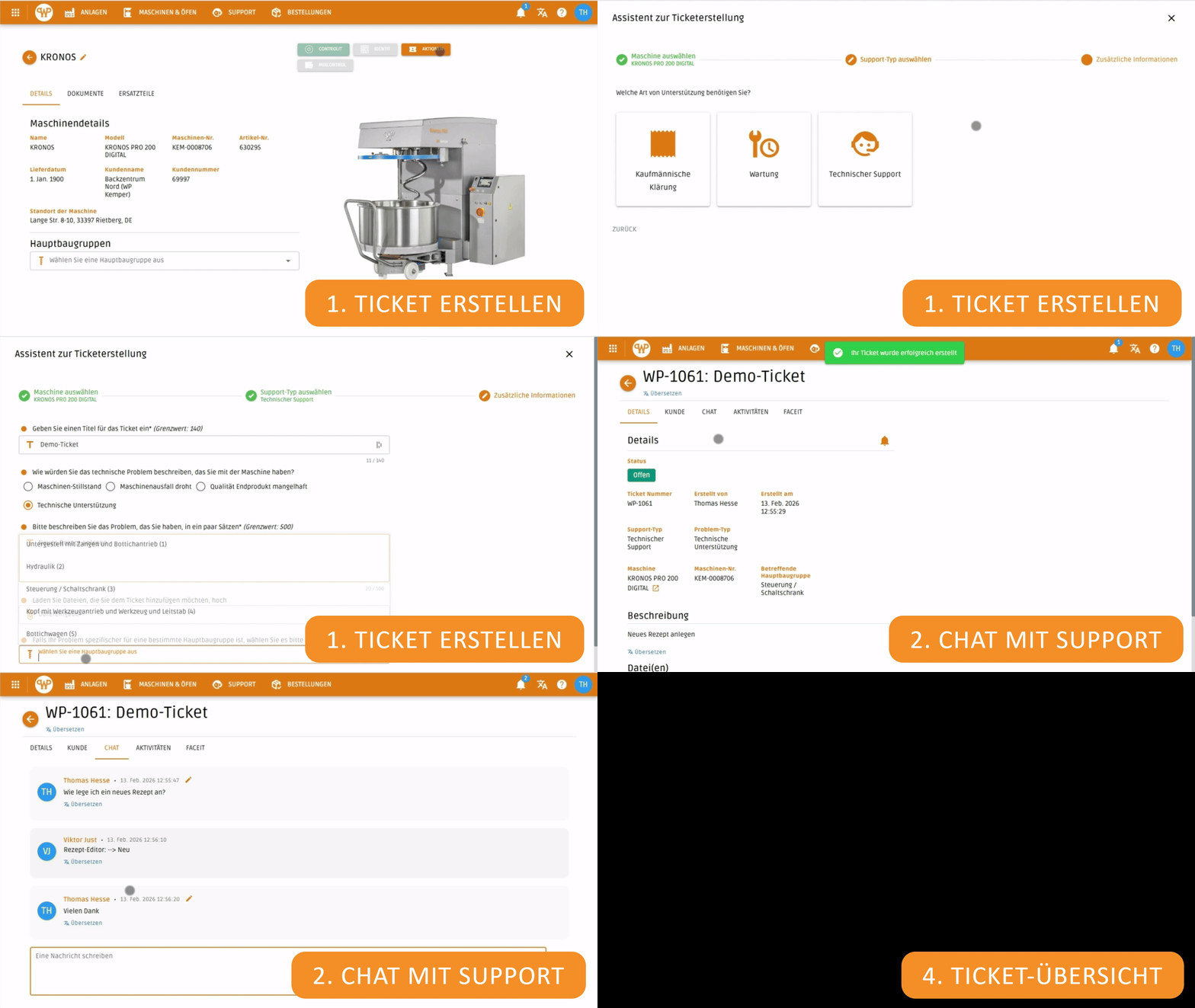
With the Digital Machine File, you can use standardized processes for service tickets, orders, and other digital services. Ticket creation, chat communication with WP SUPPORT, spare parts orders, and related documentation are handled in a structured and consistent manner—across all machines.
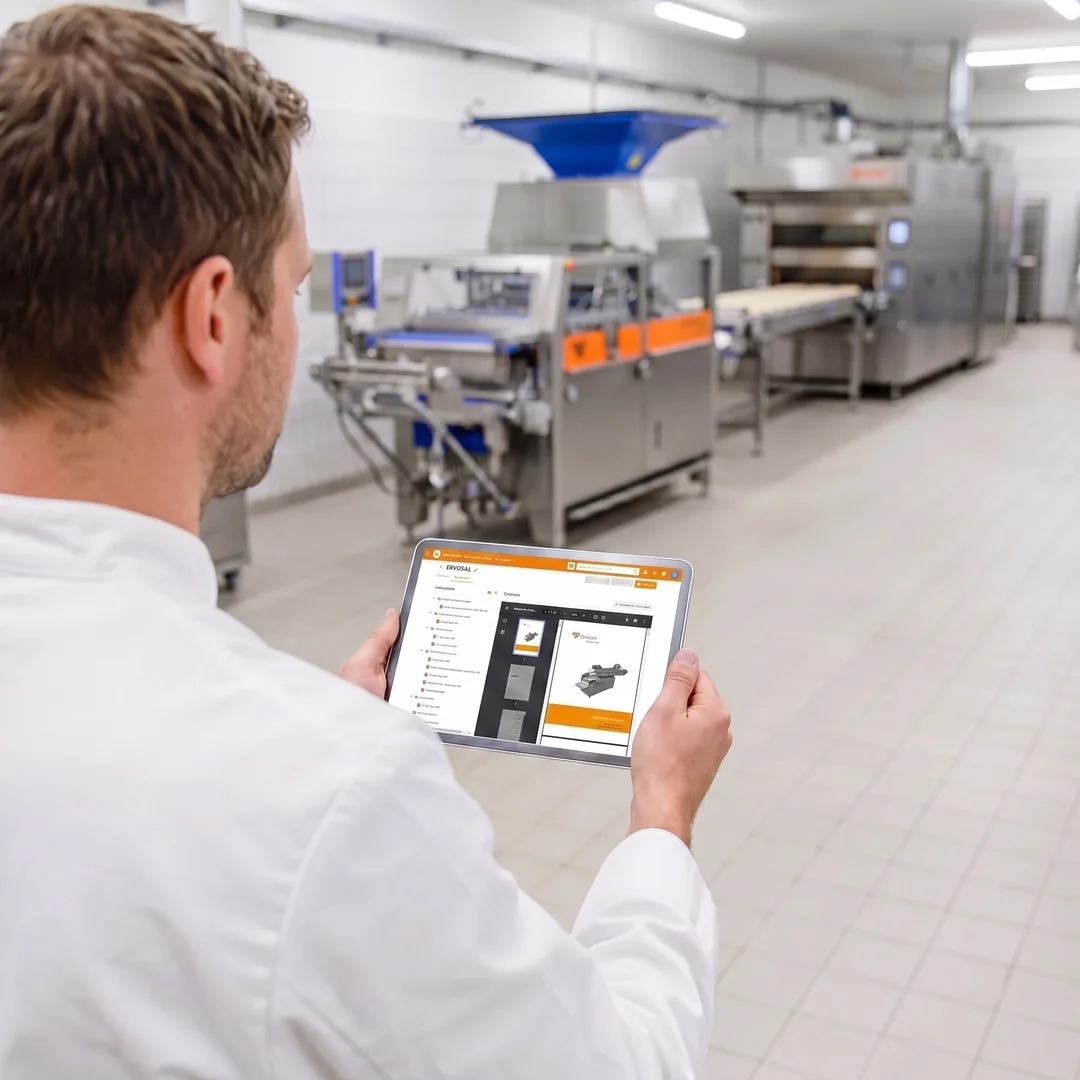 AI-generated illustration The illustrations were created in cooperation between humans and artificial intelligence. They show a future in which technology is omnipresent, but people remain at the center.
Comprehensive Overview
Quickly access all information and documents related to your machines.
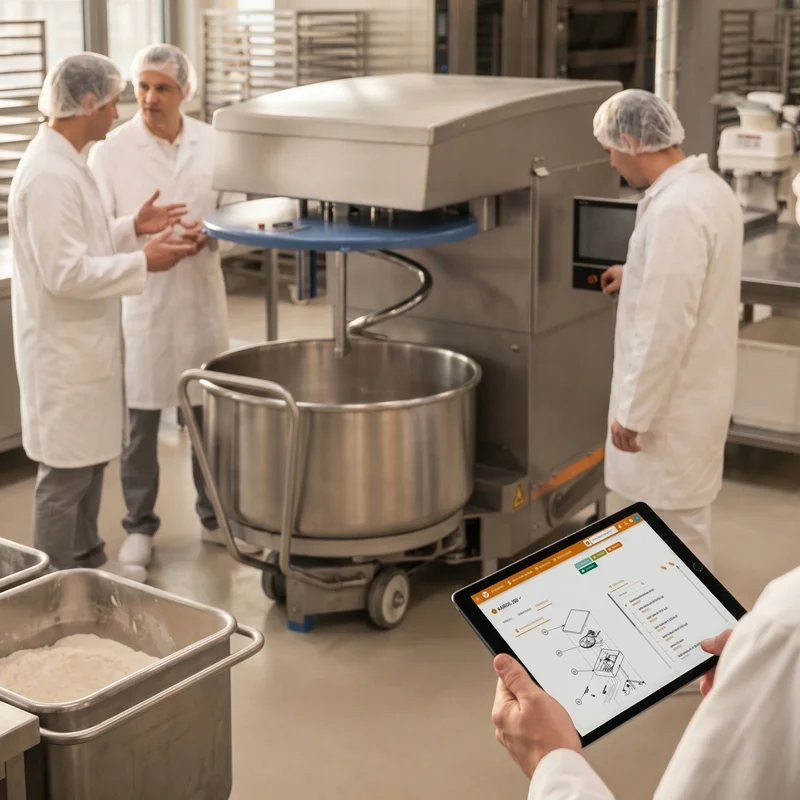
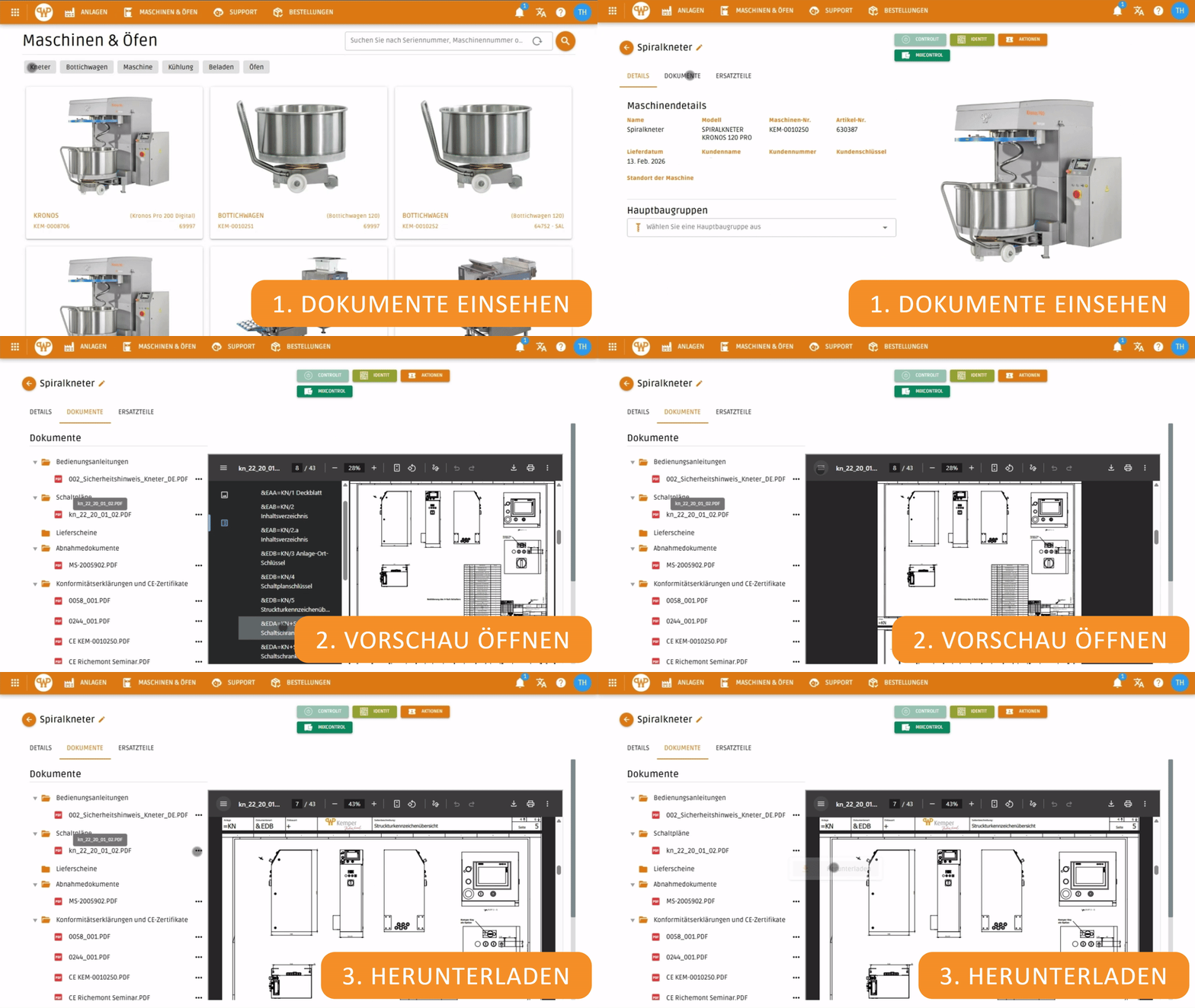
In the Digital Machine File, you’ll find all machine-related documents centrally organized. Thanks to a standardized folder structure across all machine types, you can navigate quickly and intuitively. Documents can be viewed directly in the preview or downloaded. Updates are performed automatically through the integration with our document management system.
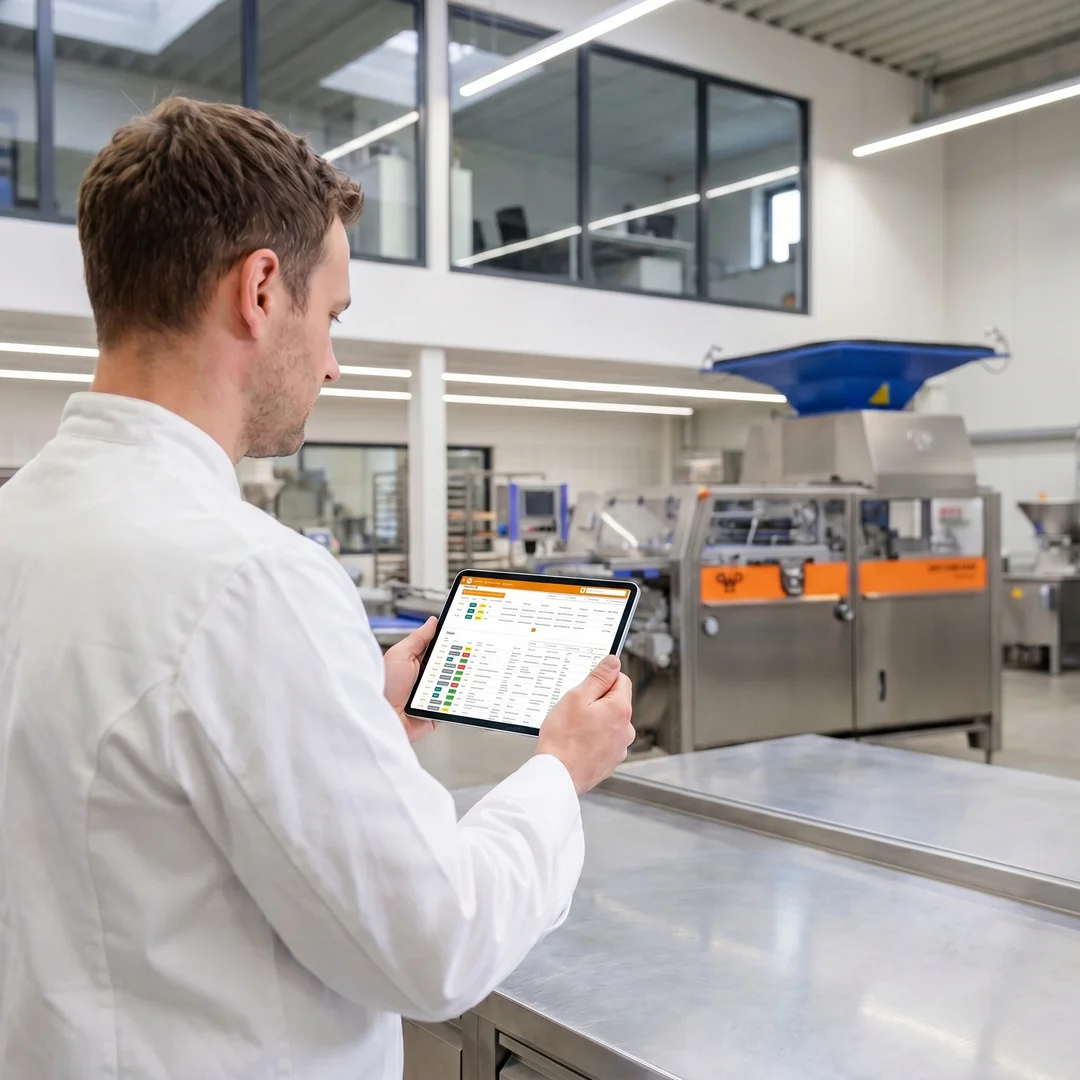 AI-generated illustration The illustrations were created in cooperation between humans and artificial intelligence. They show a future in which technology is omnipresent, but people remain at the center.
Maximum Transparency
Track your service requests with a clear overview of open and closed tickets.
For every service and order process, you can view the current processing status in real time at any time. Is the ticket still open? Has the quote already been created? Is the order being processed? You always have a complete overview.
Bakery 4.0
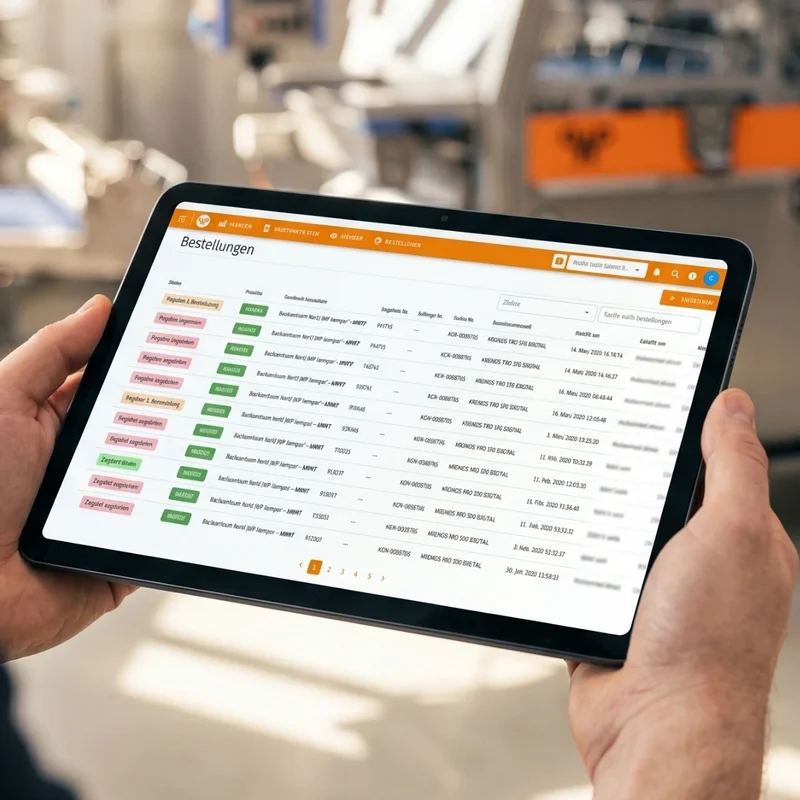
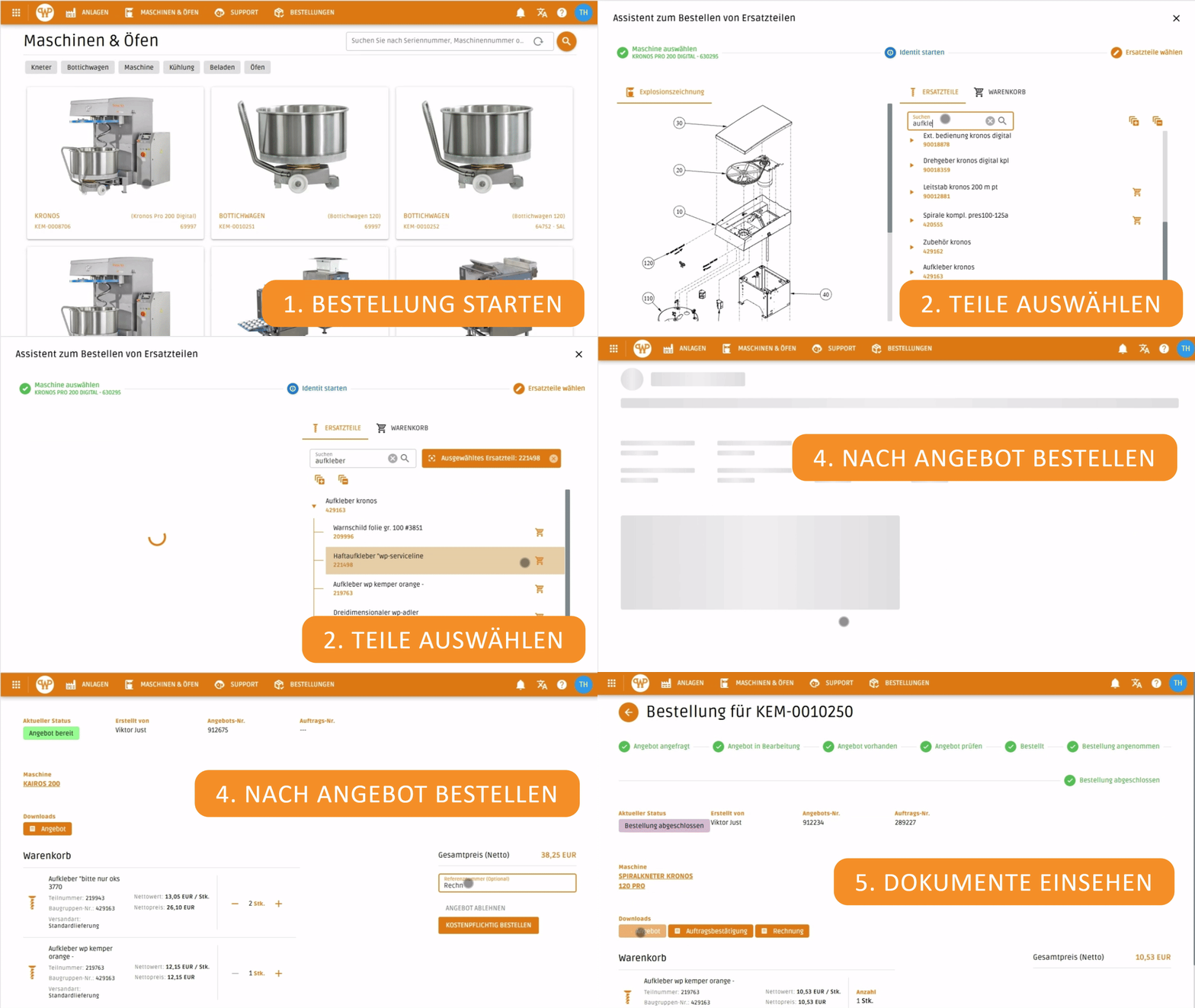
The new ordering section in the WP DIGITAL PORTAL provides you with an enhanced feature for the spare parts process: In the “Orders” section of the header bar, you’ll find all requested quotes clearly organized at a glance and can process them directly.
As soon as a quote is available, you can easily review the items it contains and place an order—either in full or in part—directly from the quote. The entire process is transparent, efficient, and seamlessly integrated into the portal.
The exact procedure is clearly explained in the“Ordering ReplacementParts” use case—including a step-by-step illustration in GIF format.

Features of the WP DIGITAL PORTAL– all from a single interface
Organize all relevant documents and information about your machines in one central location. That way, you'll always have access to everything you need.
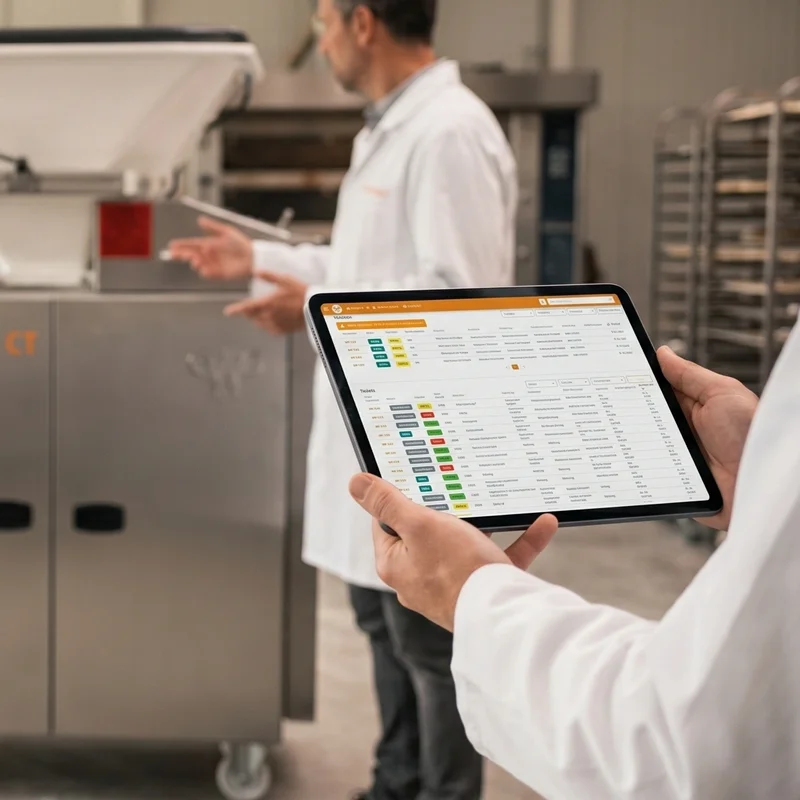
Create service tickets using the chat feature, track their status, and document everything automatically—for seamless workflows.
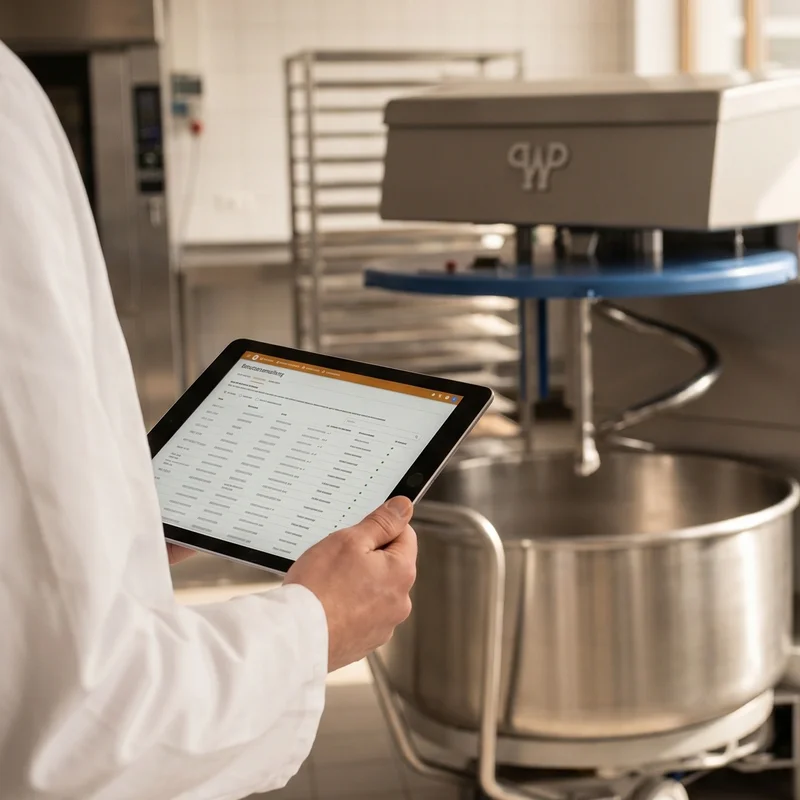
Manage users and access rights with predefined roles—it's simple, secure, and efficient.
Keep track of quotes and orders, including their status and associated documents. Create quote requests directly from the WP IDENTITshopping cart or the spare parts bill of materials, and order parts with just one click.
Access all relevant modules directly through the machine file—for comprehensive, one-stop solutions.

Bitte einen Punkt auswählen
Use Cases – How to Work with the WP DIGITAL PORTAL
With the digital machine file, you have all your data in one place—no more lost documents, no more searching. Stay informed and efficient!
Create service tickets using the chat feature, track their status, and document everything automatically—for smooth operations.
Request a quote based on an exploded view and place your order directly according to the quote—transparently and right from the system.
Bitte einen Punkt auswählen