
Advantages
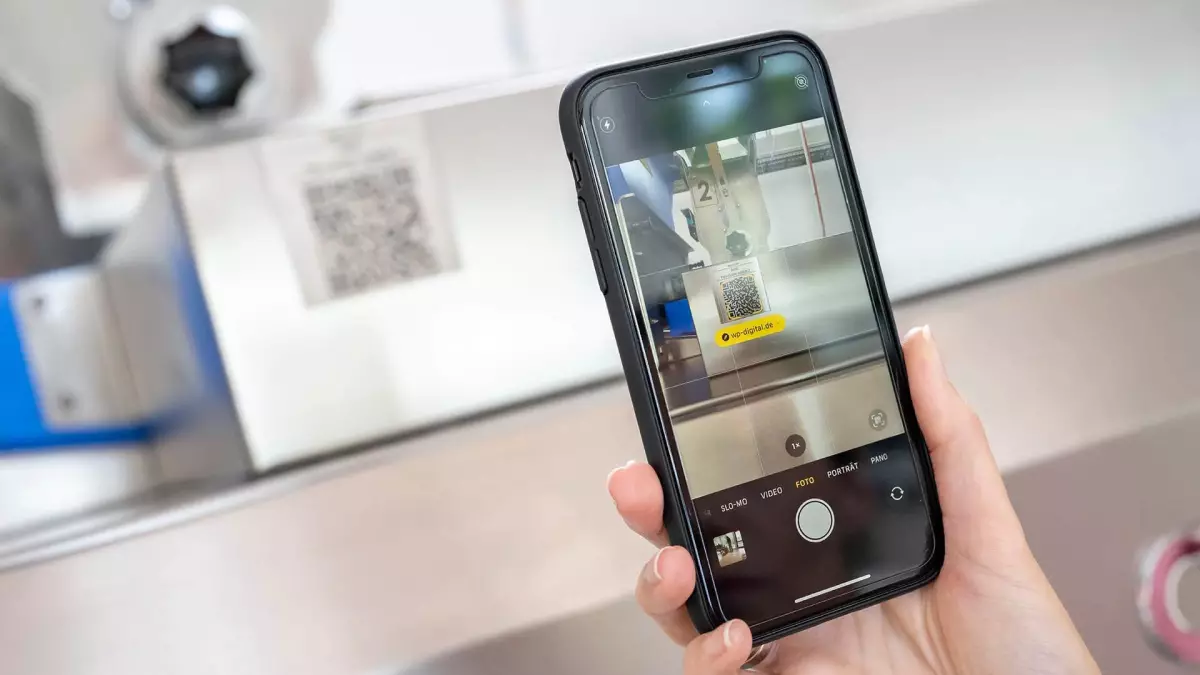
With WP IDENTIT, you can find and order replacement parts for your WP machines—quickly, securely, and without ordering the wrong parts. A simple scan of the QR code on the machine takes you directly to the correct assembly. Interactive exploded views and the automatic transfer of all machine data make every order a breeze.


Quick Spare Part Identification
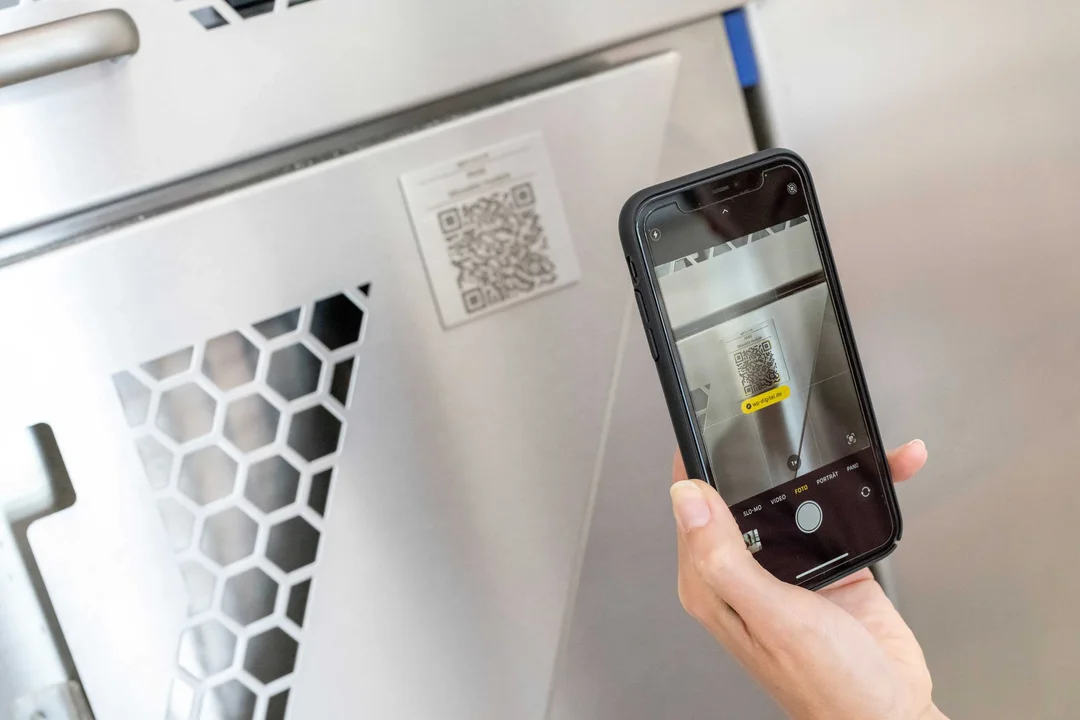
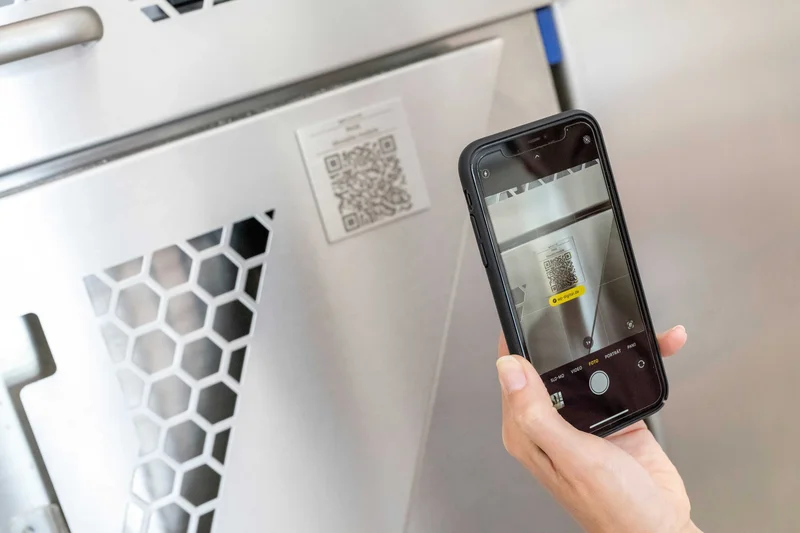
Find the right part easily and reliably by scanning a QR code right at the machine.
By scanning the QR code on your machine, you’ll be taken directly to the correct assembly. Without having to search for a long time, you can immediately start selecting the replacement part you need and submit a quote request or place an order right away—quickly, intuitively, and efficiently.
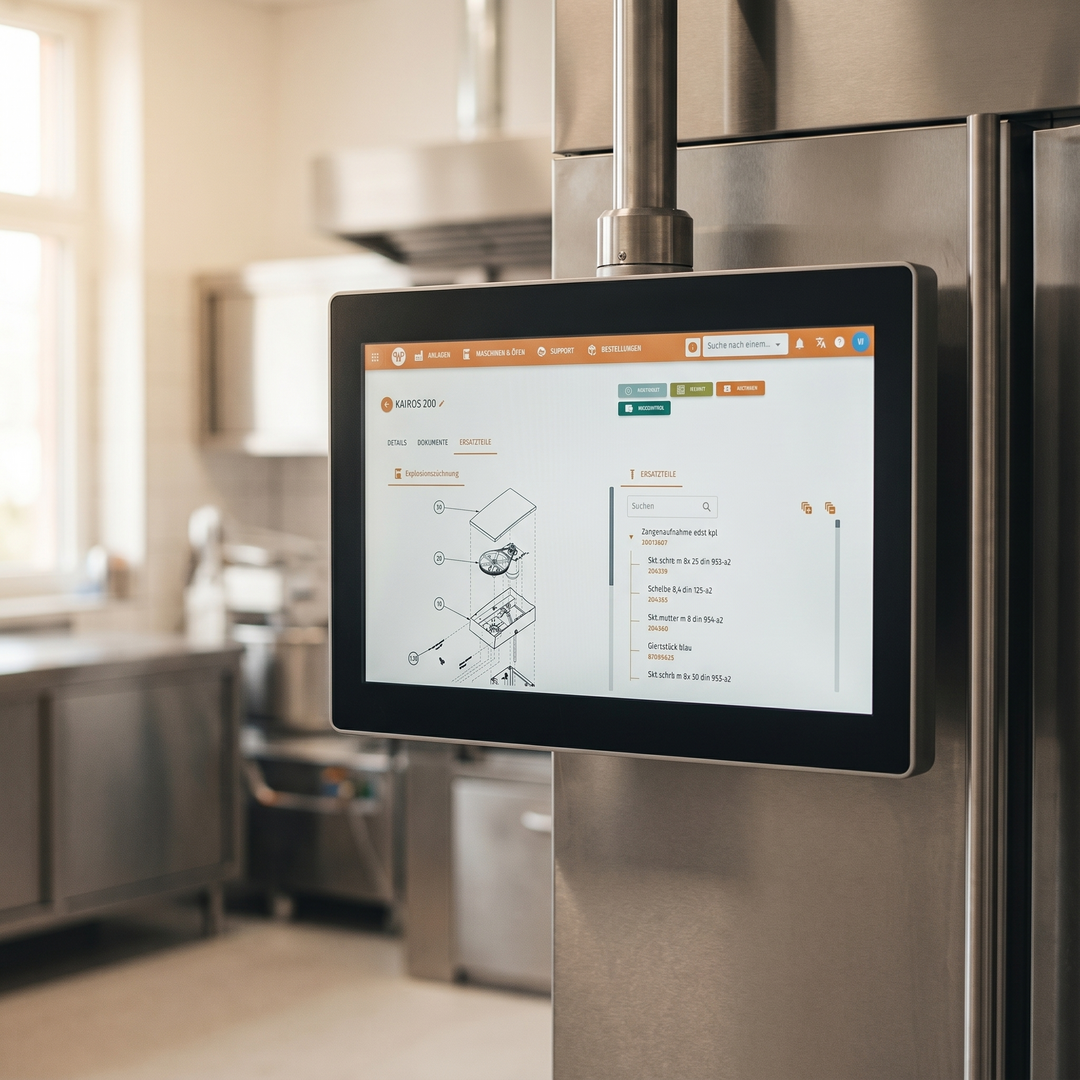 AI-generated illustration The illustrations were created in cooperation between humans and artificial intelligence. They show a future in which technology is omnipresent, but people remain at the center.
Interactive Exploded Views
Use detailed illustrations to precisely identify replacement parts.
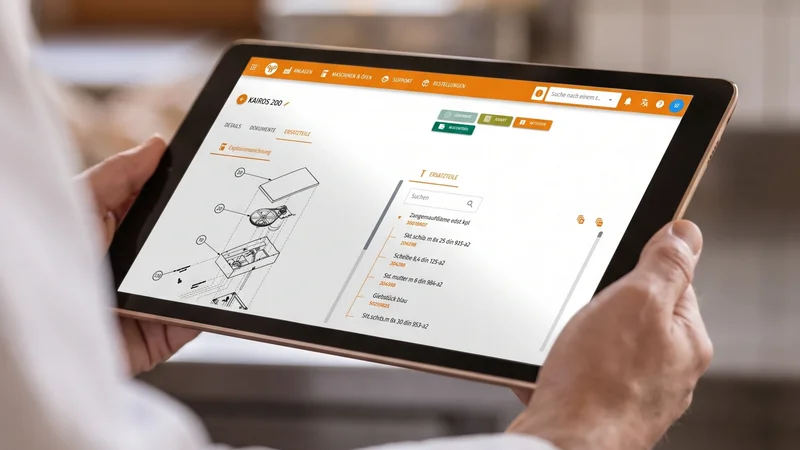
WP IDENTIT provides you with structured, hierarchical exploded views of your machine. Using the parts tree or interactive labels, you can navigate step by step to the desired component. This allows you to uniquely identify replacement parts and avoid ordering the wrong ones.
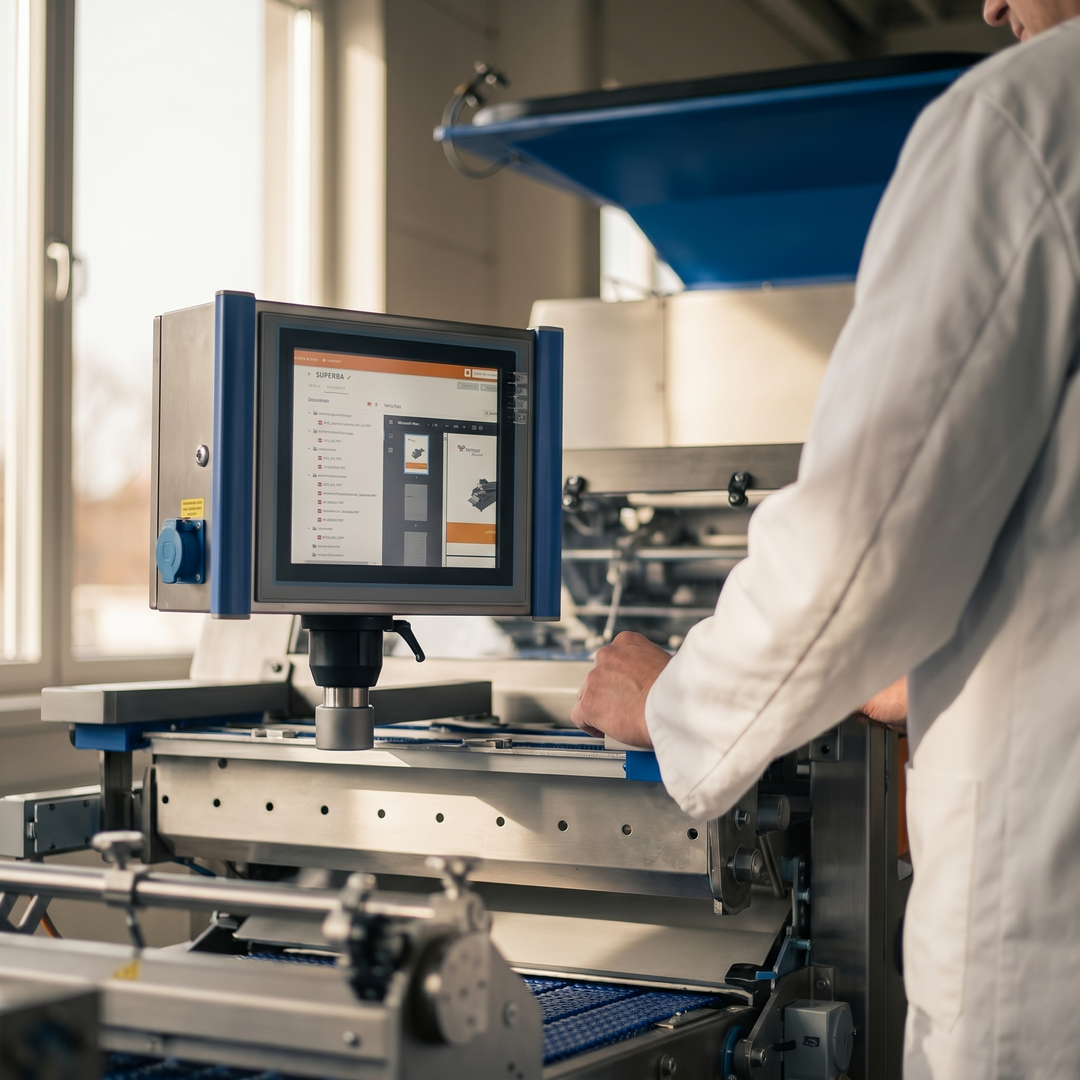 AI-generated illustration The illustrations were created in cooperation between humans and artificial intelligence. They show a future in which technology is omnipresent, but people remain at the center.
All Data at a Glance
Automatic transfer of all relevant machine data ensures faster processing of your orders.
When requests for quotes and orders are received, all relevant machine and customer data is automatically transmitted to our ordering system. This reduces the need for manual data entry, minimizes sources of error, and speeds up processing—ensuring smooth and efficient handling.
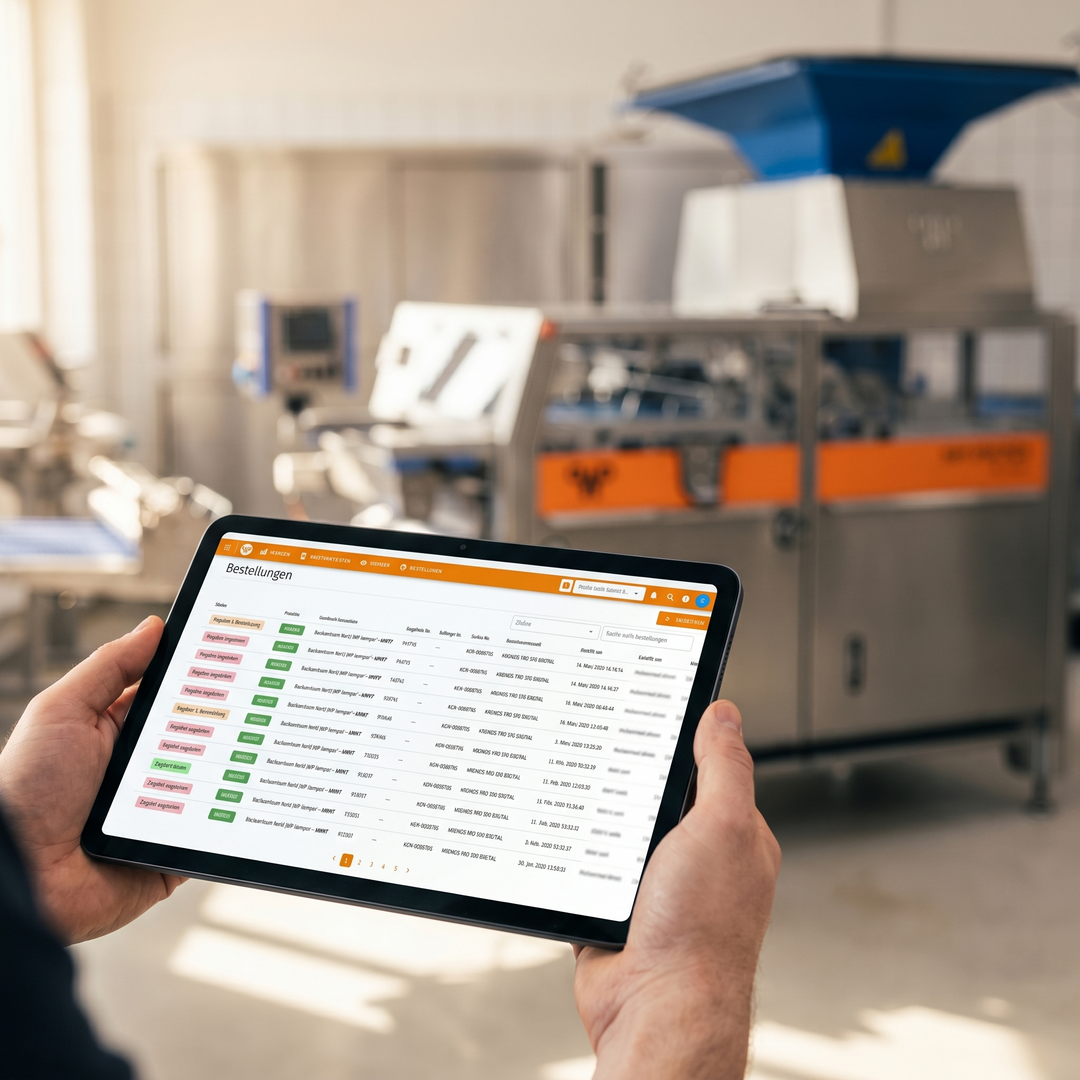 AI-generated illustration The illustrations were created in cooperation between humans and artificial intelligence. They show a future in which technology is omnipresent, but people remain at the center.
MoreEfficient Deliveries
Thanks to the link to the machine-specific bill of materials, you receive precisely tailored deliveries of the highest quality.
WP IDENTIT does not rely on general spare parts catalogs, but rather on the specific bill of materials for the machine you have selected. This ensures that you receive exactly the right components. It improves delivery quality, prevents the need for follow-up inquiries, and ensures maximum process reliability.
No part remains unknown
In addition to WP IDENTIT, all machines feature a spare parts list that is directly integrated into the digital machine file. This list is clearly organized by assemblies and can be easily expanded and collapsed.
Thanks to the built-in search function, you can quickly find spare parts using part numbers or via full-text search. Even if you make a typo, the system will suggest matching or similar components—ensuring fast and reliable identification.

Features of WP IDENTIT – Spare Parts Management of the Future
Easily identify replacement parts, specify order quantities, and customize delivery options to meet your specific needs.
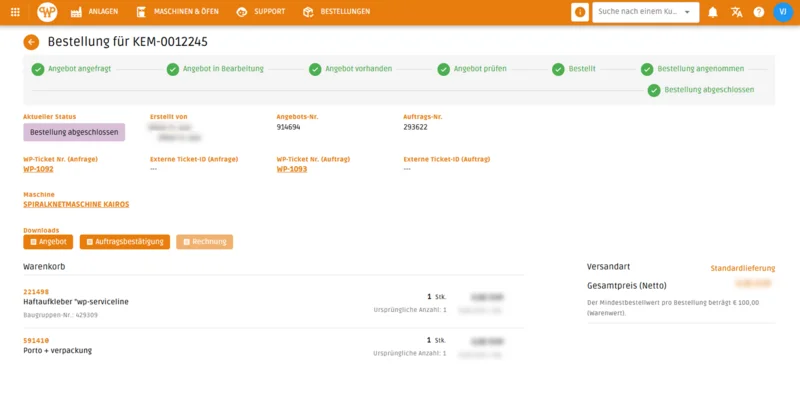
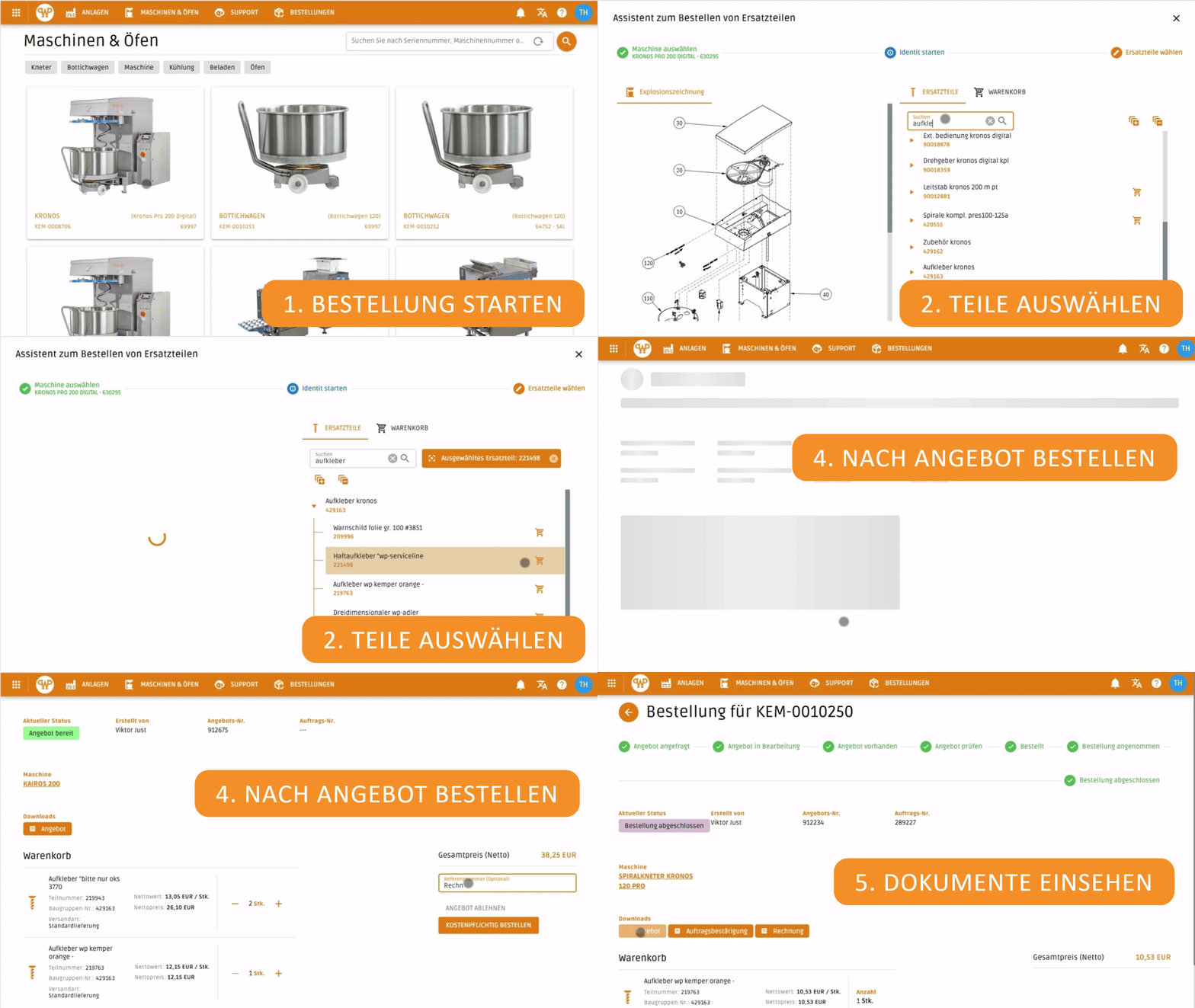
Manage your shopping cart efficiently: Submit it as a quote or place a direct order with documentation in the WP DIGITAL PORTAL .
Scan the QR code to go directly to the assembly you want, saving time and avoiding errors.

Bitte einen Punkt auswählen
Use Cases – How to Use WPIDENTIT
With the interactive exploded view, you can quickly find the right replacement part and streamline your ordering processes.
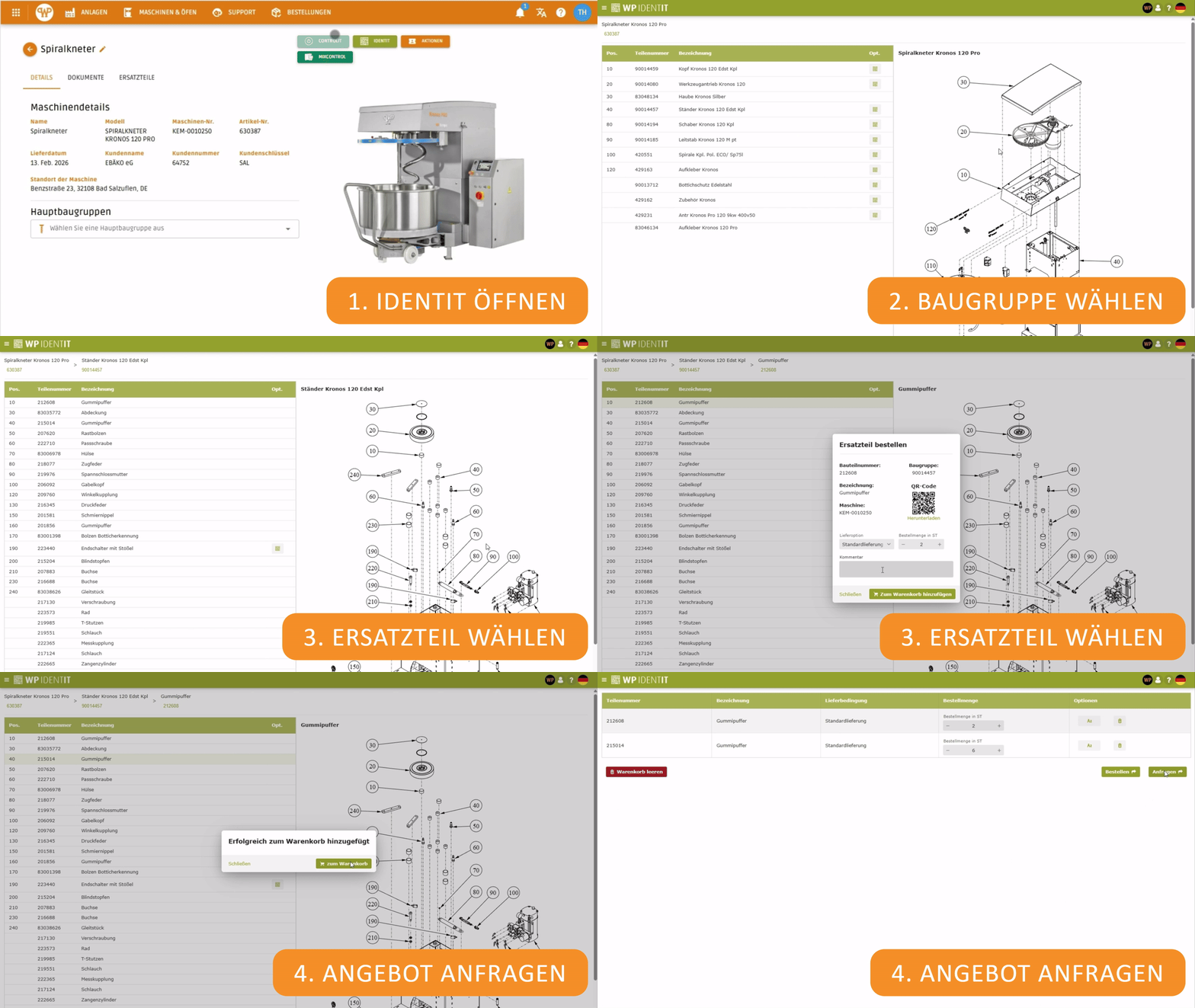
Scan QR codes for quick and accurate access to all relevant spare parts information.
Request a quote based on spare parts and place your order directly according to the quote—transparently and without any disruption in the process.
Bitte einen Punkt auswählen