Advantages


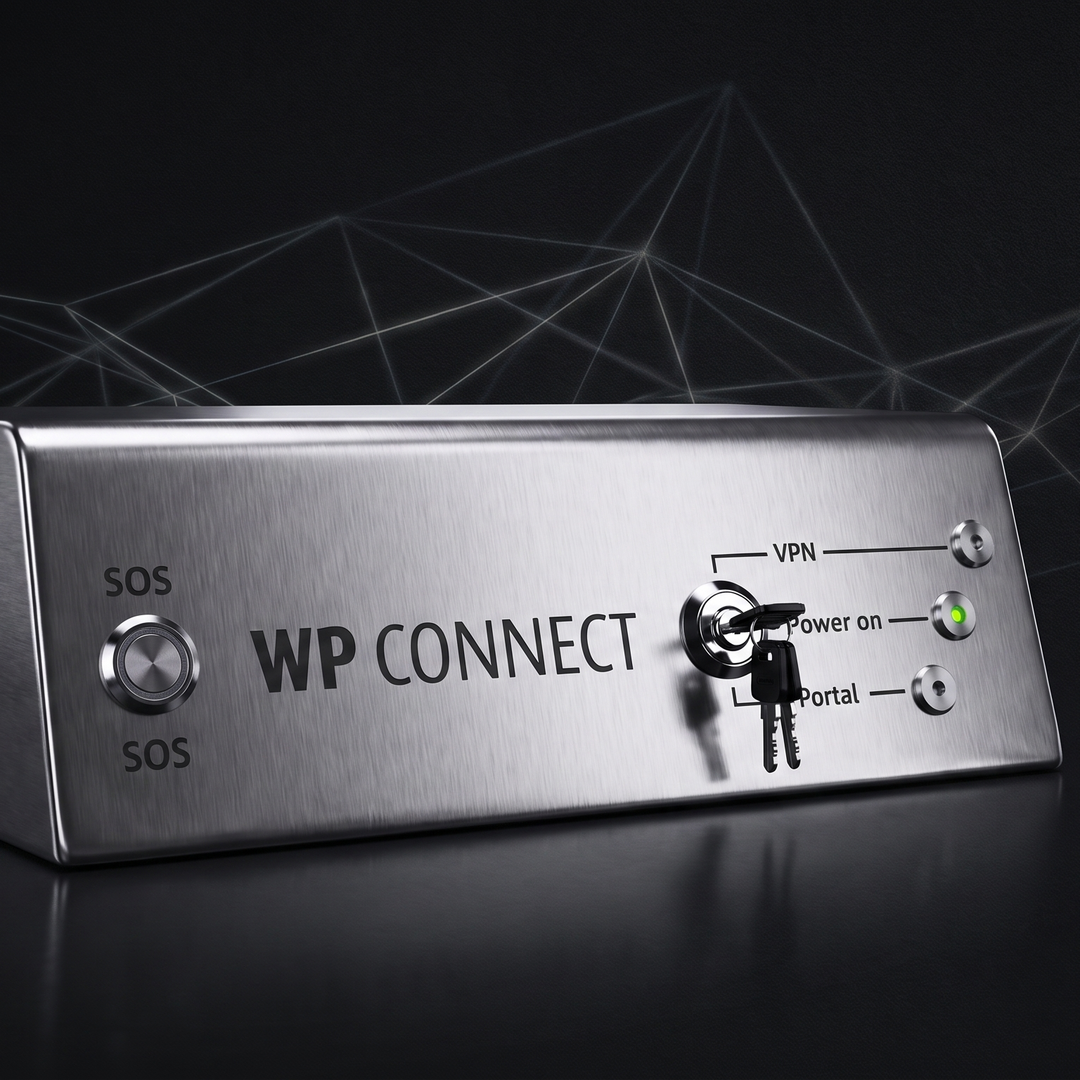 AI-generated illustration The illustrations were created in cooperation between humans and artificial intelligence. They show a future in which technology is omnipresent, but people remain at the center.
Secure Connection to Your Machines
Reliable connection to the WP DIGITAL PORTAL.
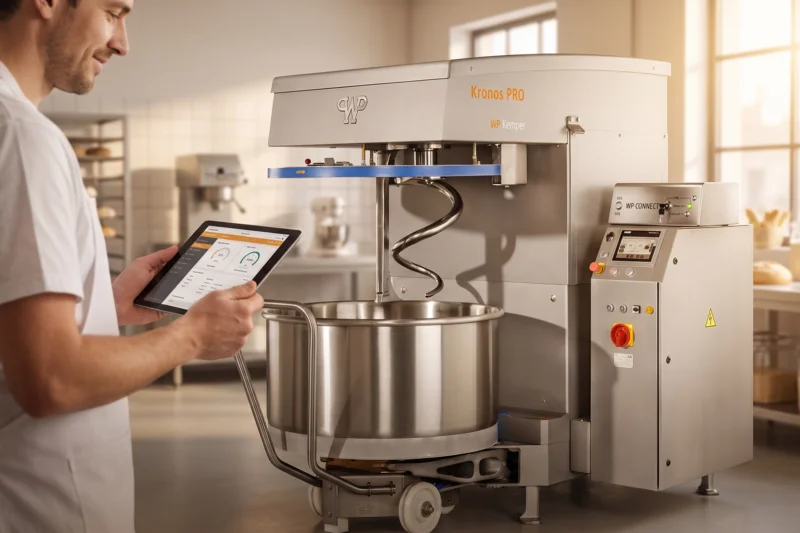
The WP CONNECT BOX ensures a stable and secure connection between your machine and the WP DIGITAL PORTAL. This allows you to reliably use digital services. Your data is transmitted securely and under controlled conditions.
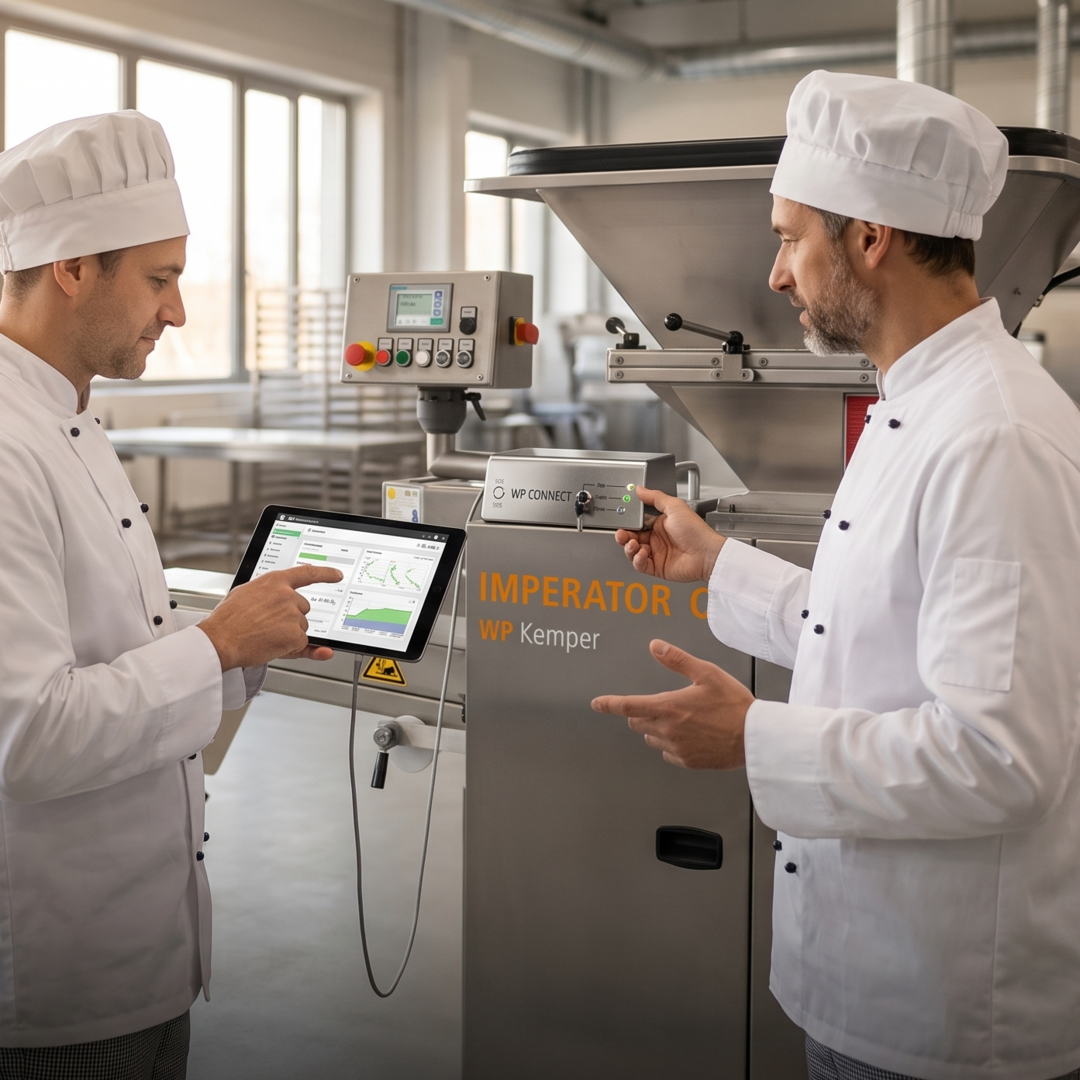 AI-generated illustration The illustrations were created in cooperation between humans and artificial intelligence. They show a future in which technology is omnipresent, but people remain at the center.
Full control over your data
You decide for yourself at any time when your machine is online.
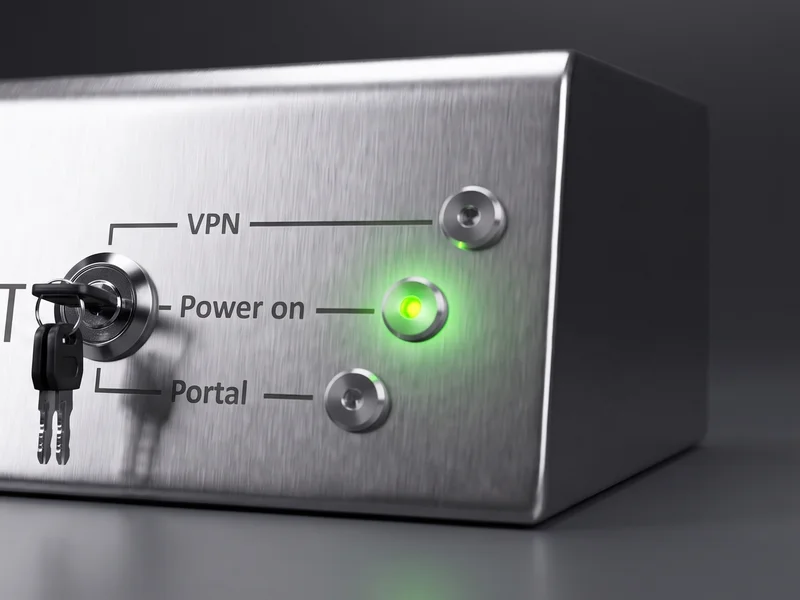
With the built-in key switch, you decide whether and how your machine is connected. You can activate, restrict, or completely disconnect the connection at any time. This allows you to maintain full control over your data and external access.
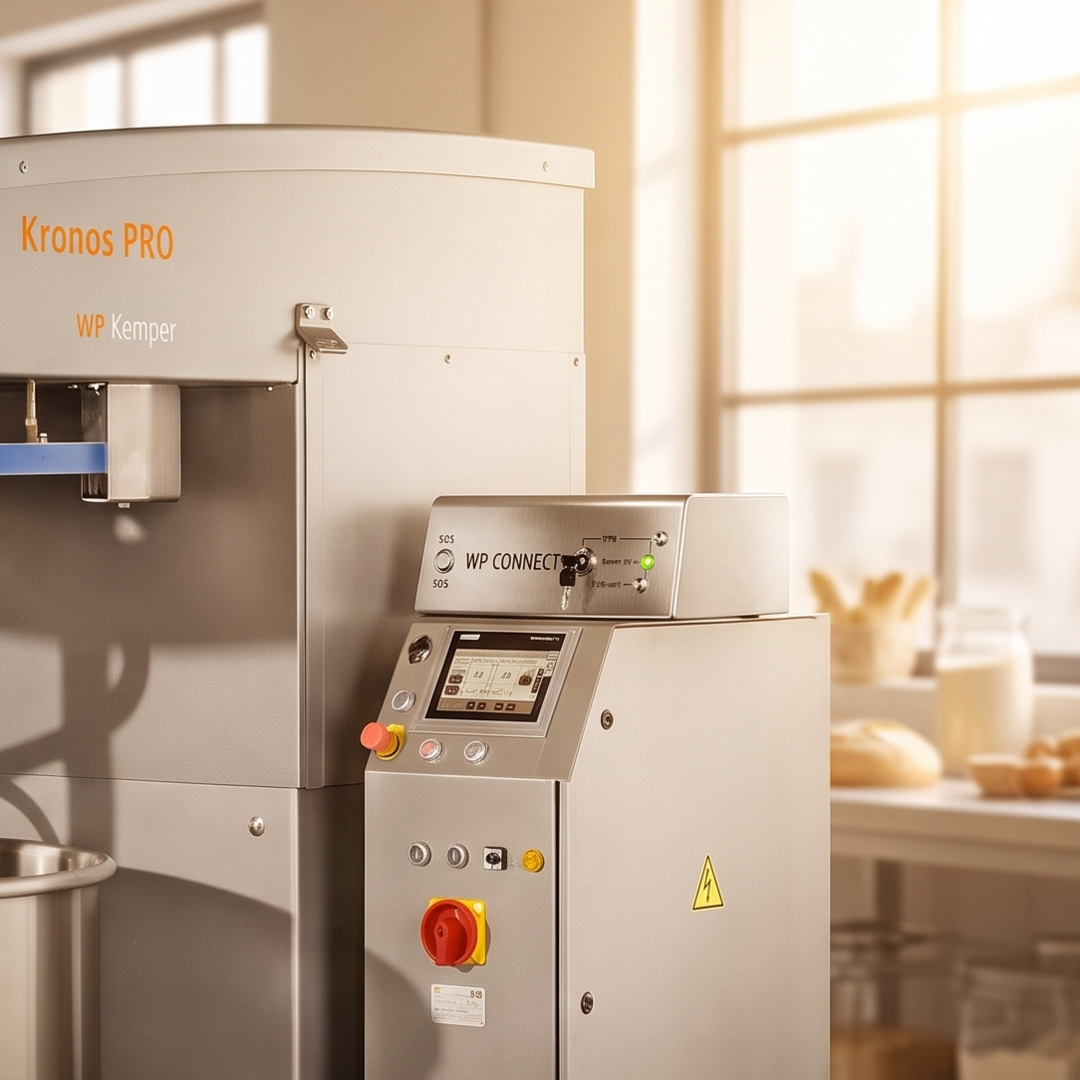 AI-generated illustration The illustrations were created in cooperation between humans and artificial intelligence. They show a future in which technology is omnipresent, but people remain at the center.
Simple and intuitive operation
Key switches and LEDs make the status immediately clear.
The operation has been intentionally kept simple: A key switch and clear status LEDs immediately show you the current status. Without any complicated settings, you know at all times whether your machine is online or not. This ensures safety and confidence in daily use.
Why WP CONNECT – Simple and Secure Machine Connectivity
- Disconnect, activate, or enable a connection for VPN
- Three clear settings for maximum control
- Direct control without software
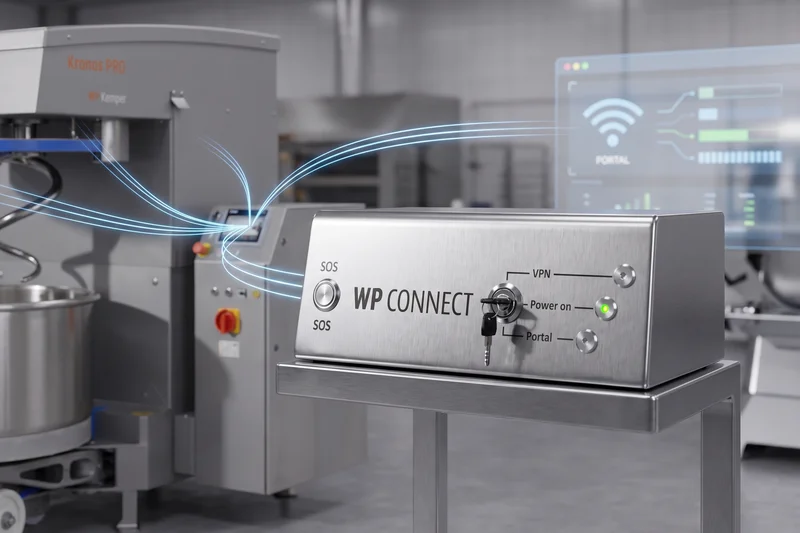
- Display of operational status, portal connection, and VPN access
- Status at a glance—easy to understand
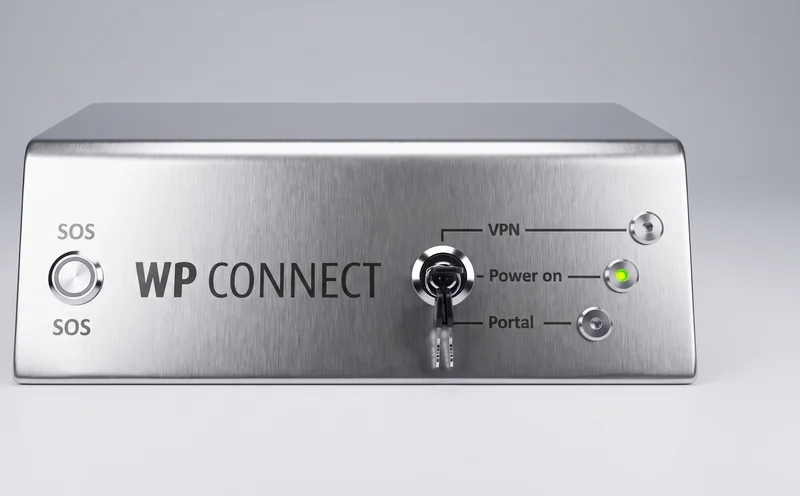
- Connection between the machine and the WP DIGITAL PORTAL
- Foundation for digital services such as monitoring and remote service
- Easy integration into existing systems

Bitte einen Punkt auswählen
Use Cases – How to Work with WPConnect
Using the key switch, you can decide right at the machine what your connection should look like. Whether completely offline, online without access, or with active remote service—you can select the appropriate setting with a simple turn of the switch.
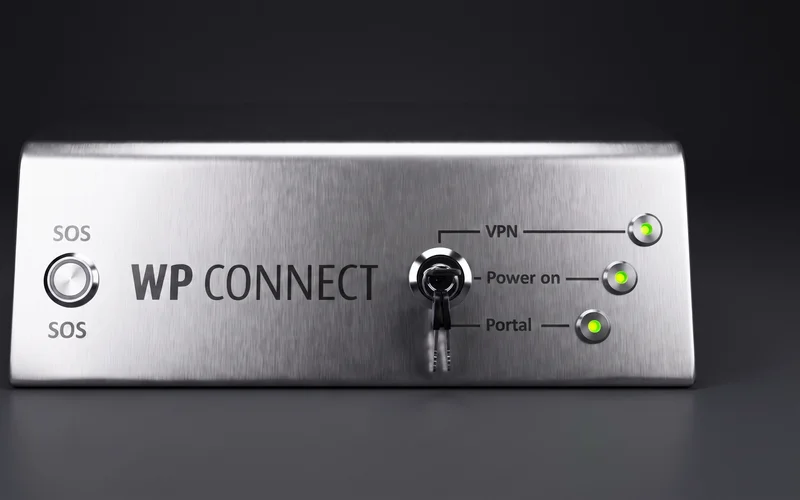
The LEDs immediately show you whether your machine is connected and whether there is external access. This gives you full visibility at all times without having to open any additional software.
Bitte einen Punkt auswählen